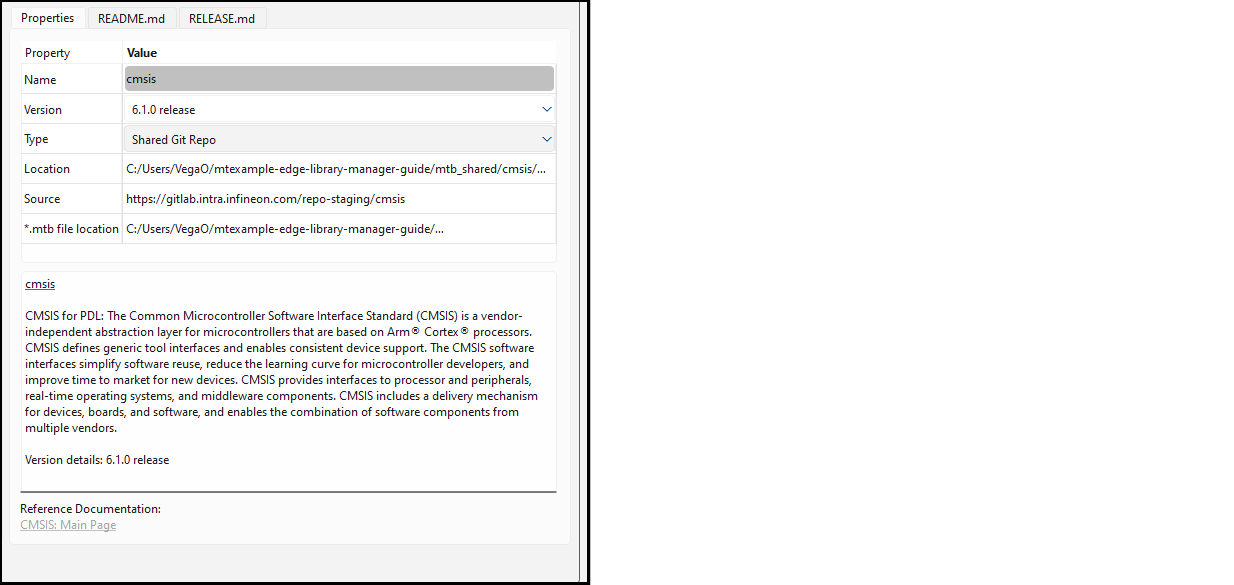
This section covers various ways to update BSPs and libraries, including:
- Add library (single-core application)
- Add library (multi-core application)
- Update indirect dependency libraries
- Change library version
- Share/unshare libraries
The Library Manager displays the libraries included with the application
below the BSP(s), by default.
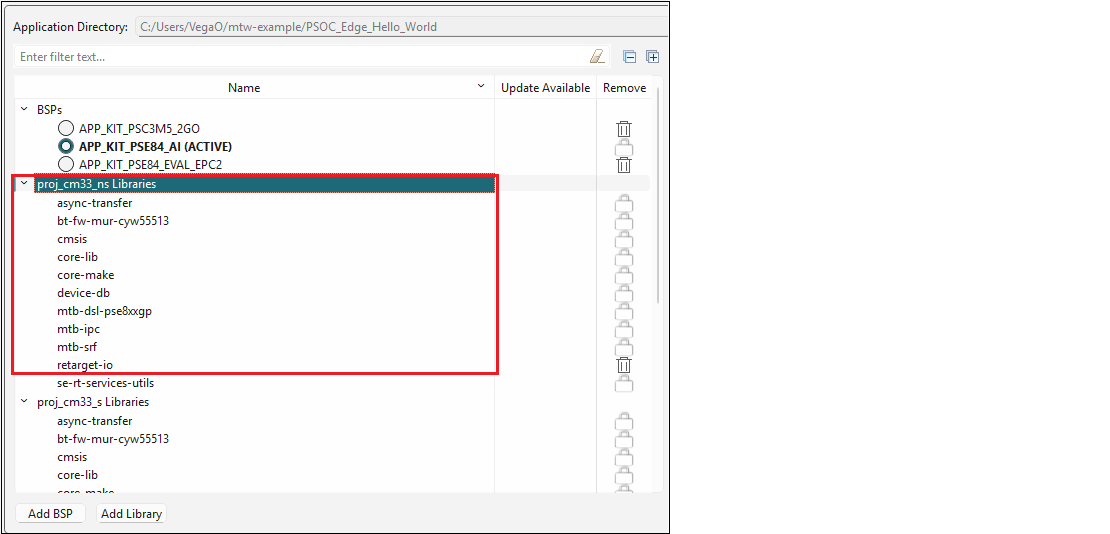
For a multi-core application, there are multiple sets of libraries; one for each core project.
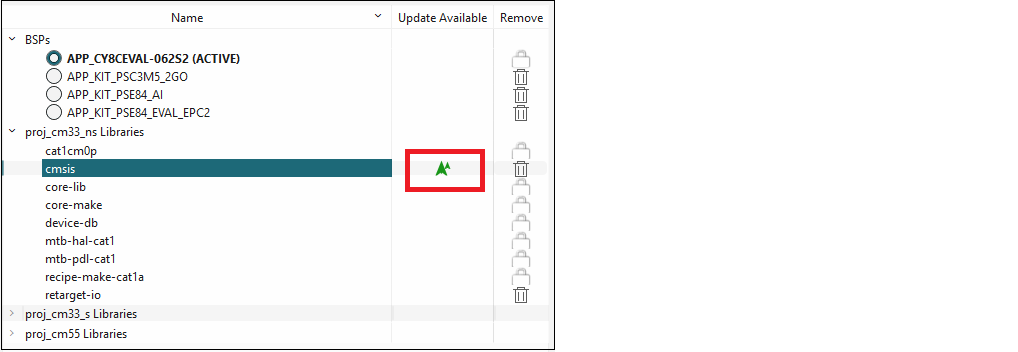
When a library has a newer version available than the one currently
selected, a "newer version" symbol displays under Update
Available, indicating that a newer major or minor version is
available.
When you select a library, various information displays on the right side
of the Library Manager See Tabs for more
information.