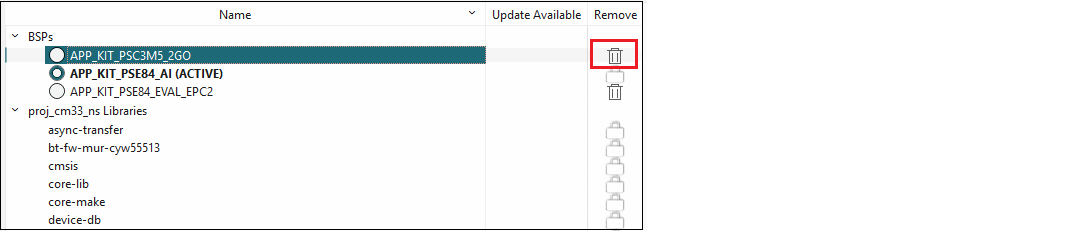
To remove a BSP, click the Delete
symbol under Remove for the appropriate BSP.
Note:
The Lock symbol for the active BSP means you cannot remove the active BSP from the application.
A dialog displays a message asking you to confirm the removal.

Click Delete to remove the BSP from the list of BSPs for the application. Then, click the Update button in the main window to commit the change.