On the Add BSP dialog, click the Create from
MPN button. This command opens the BSP Assistant tool to create a BSP based
on device part numbers. Refer to the BSP Assistant user guide for more details about how to create a
BSP from MPN. When you close the BSP Assistant, the new BSP will show up in the Add BSP dialog under Import.
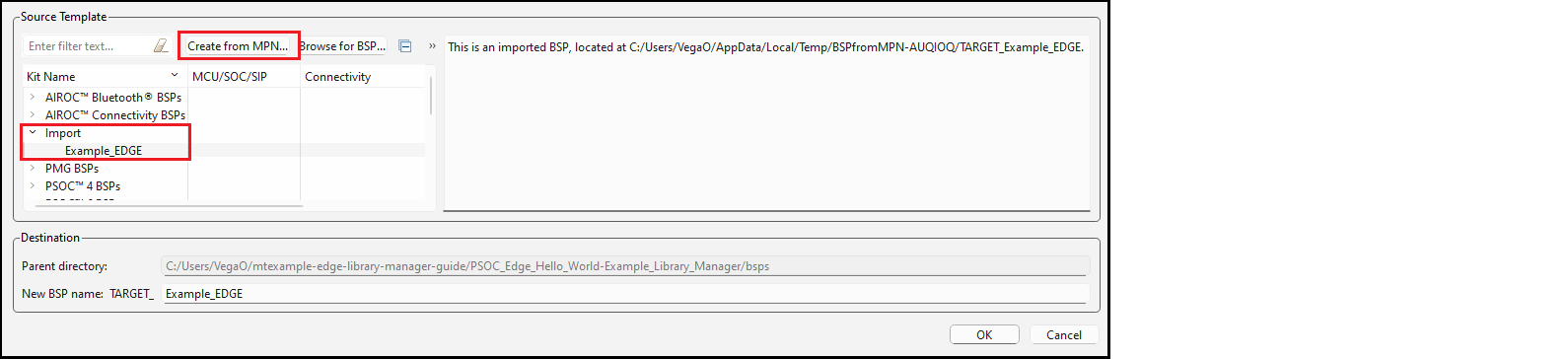
Change the New BSP name, if desired, and click OK. The new BSP will appear on the list of BSPs on the main Library Manager window.