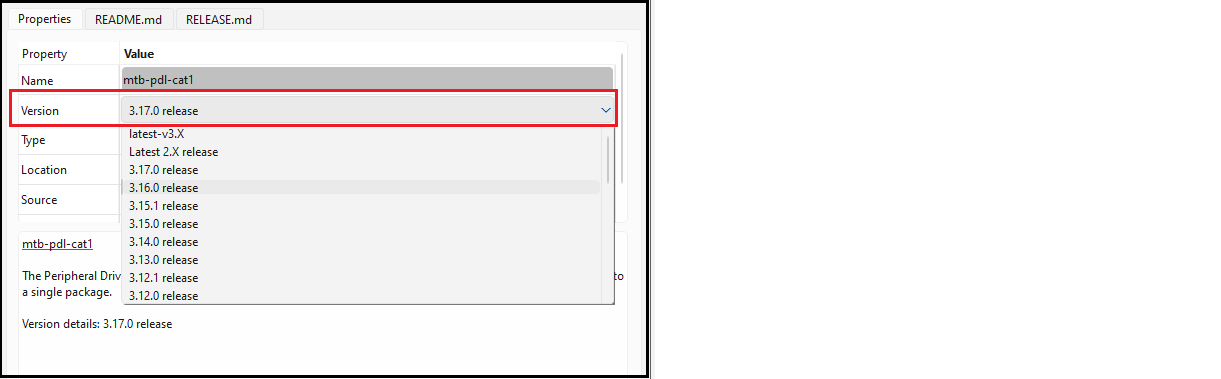
Libraries have a specific version, by default. You can change a library
version by selecting the pull-down menu next to Version and choosing another version. See Version for a detailed description.
Click the Update button to commit the changes.
When you change versions for a shared library, the tool creates a new subdirectory for the added version to ensure that the existing version is available for other applications. However, when you change a version for a local library, the system will not create a new local subdirectory. Instead, the version of the library will just be updated with the appropriate tag.