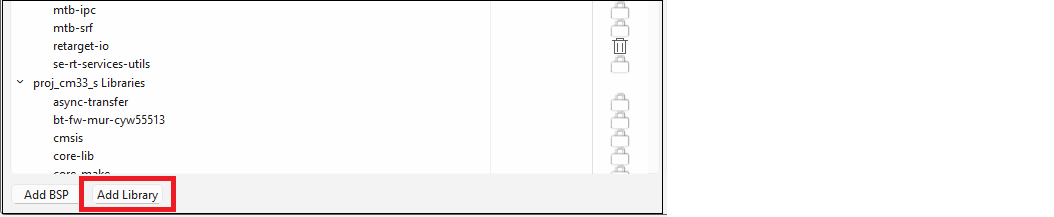
Click the Add Library button.
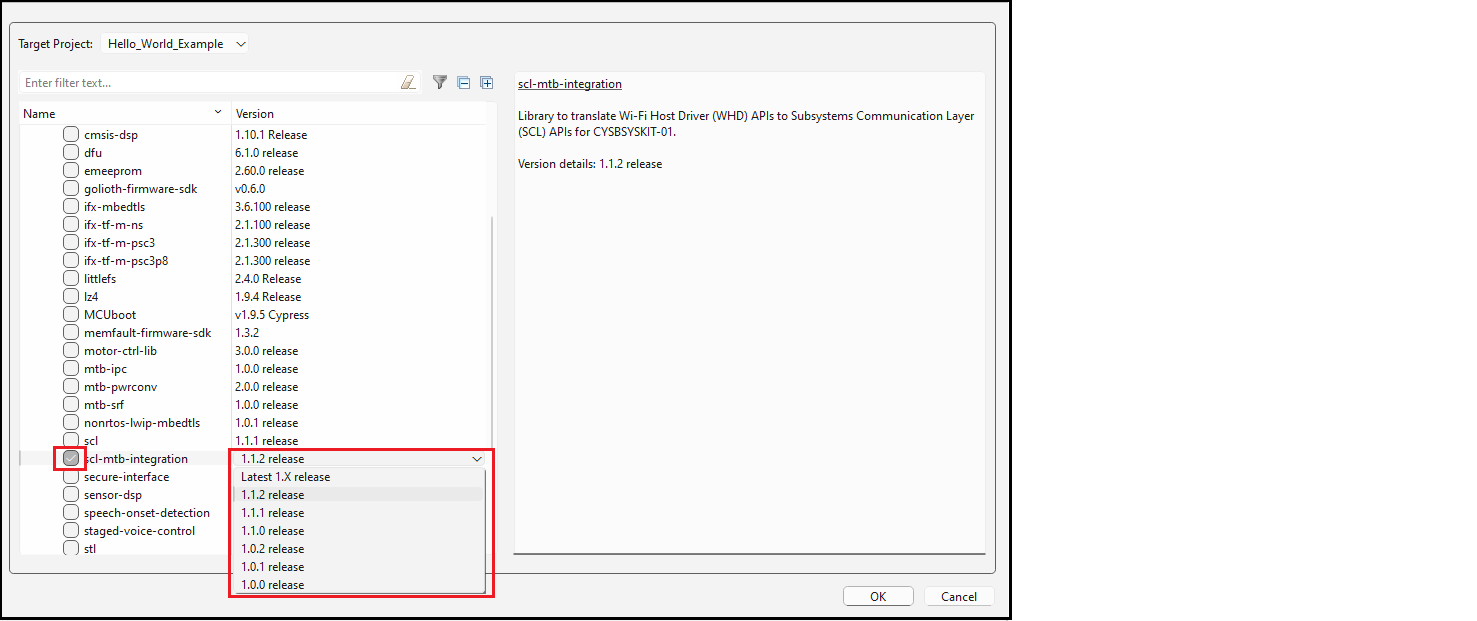
On the Add Library dialog, click one or more check boxes for libraries to add, and if needed, specify the Version. Then click OK.
Note:
The Target
Project option for a single-core application has only one choice and it is
selected by default.
Back on the Library Manager, click the Update button to commit the changes.