For a BSP already shown in the main Library Manager list, right-click and
select Rename BSP or double-click on the BSP. Then in
the Properties tab Value field for the Name, type the new name for the BSP.
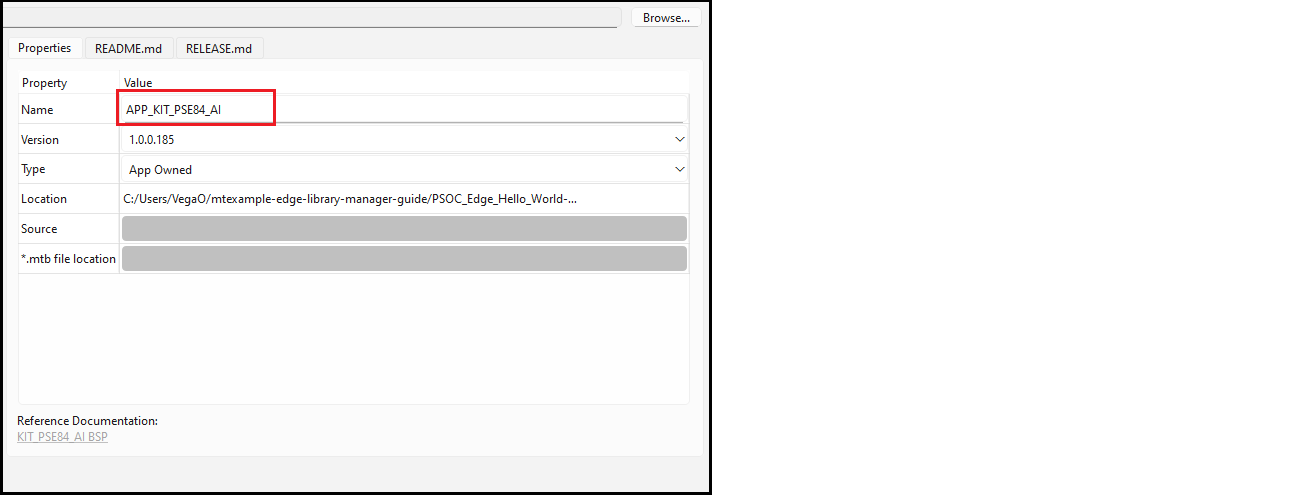
You can also double-click the BSP name shown in the Value field to rename it.
To commit the change, click Update.