Some libraries included in your application show a lock symbol by default.
This symbol indicates that a library is an Indirect dependency, and it is required by the BSP and/or another library.
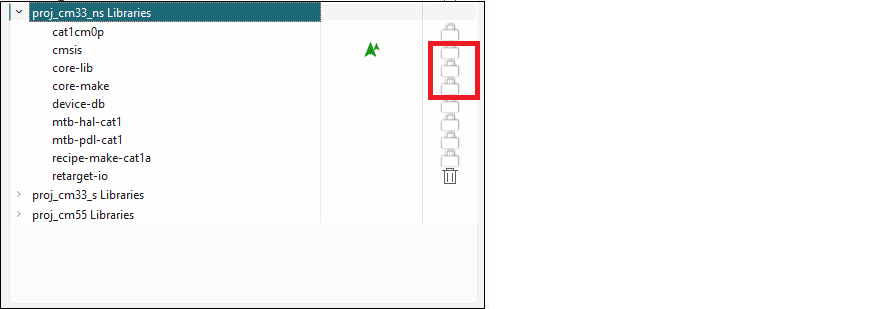
These libraries cannot be removed using the Library Manager; however, you can change whether or not it is shared and select a different version.
When you make a change to an Indirect Dependency library, the lock symbol
changes to a Delete symbol. Unlike BSPs, this symbol
indicates that after you click Update, the library
is now a Direct dependency, and it is your
responsibility to manage it either as a local library and/or with the selected
version.
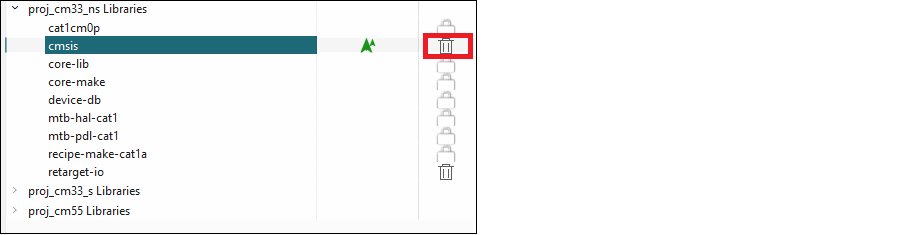
To change the library back to an Indirect Dependency, click the Delete symbol. The icon reverts back to the lock symbol, and the settings revert back to the defaults. You must click the Update button to commit the changes.