This tab visually represents evaluation and tuning of gestures (from one widget at a time).
The toolbar is described in Tabs toolbars.
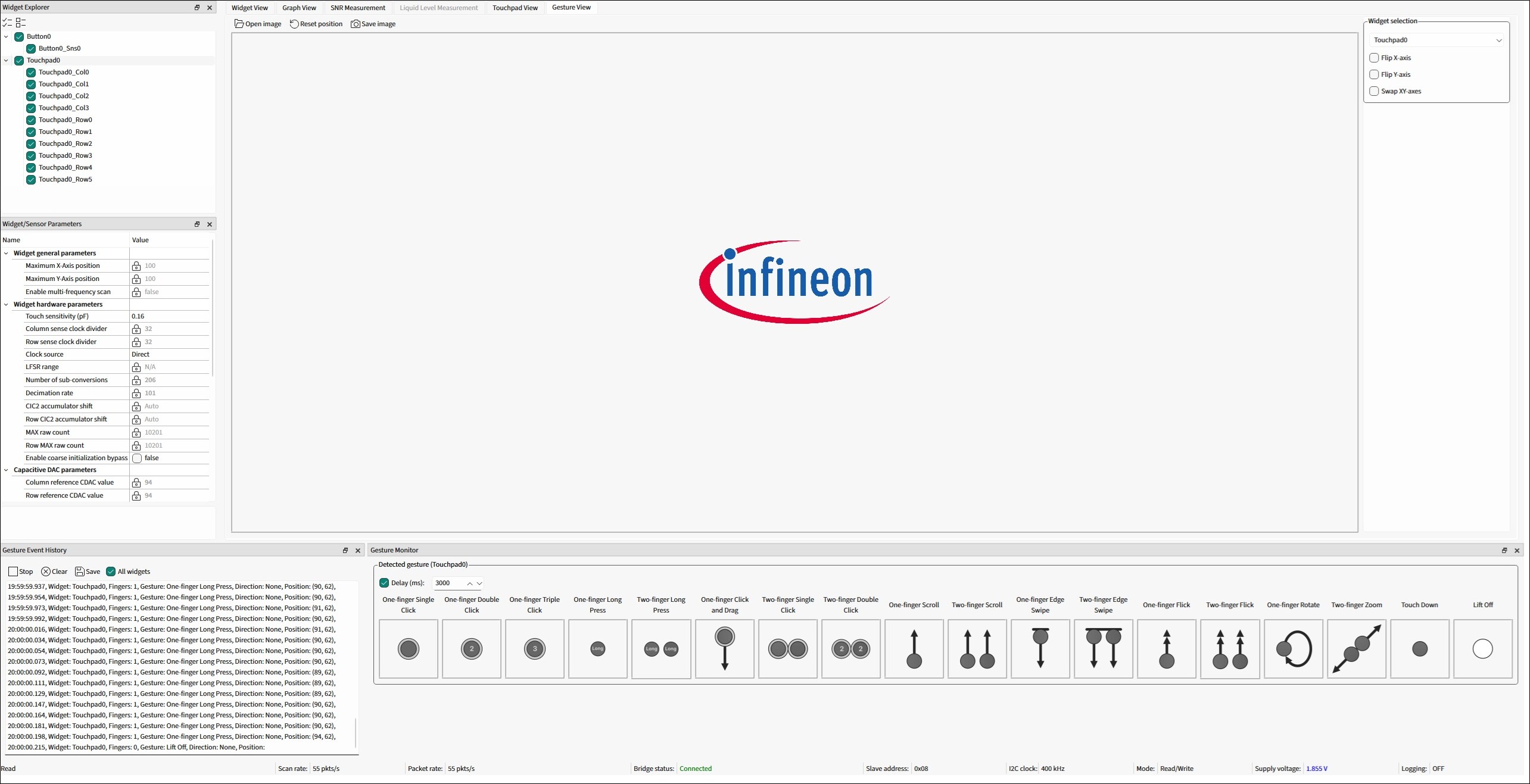
Widget selection
This pane consists of the configuration options for mapping physical touchpad orientation to the identical representation in the heatmap.
Use the combo box to select a widget to display the gesture you need.
The options are as follows:
- Flip X-axis – Flips the direction of the X-axis to match the orientation of a physical widget.
- Flip Y-axis – Flips the direction of the Y-axis to match the orientation of a physical widget.
- Swap XY-axes – Swaps the X- and Y-axes to match the orientation of a physical widget.
Image pane
An image reacts to the detected gestures (scroll, zoom, and rotate) and moves around the pane. You can change the image by clicking the Open image button or by using drag and drop.
You can reset the image view by clicking the Reset position button or pressing the Esc key.
Gesture Monitor
Provides visual indication for a detected gesture. It shows gestures for one widget at a time. The widget can be selected in the Gesture View tab.

If the Delay check box is enabled, a gesture picture is displayed only for the specified time-interval. If disabled, the last reported gesture picture is displayed until a new gesture is reported.
Gesture Event History
Logs the detected gestures information.
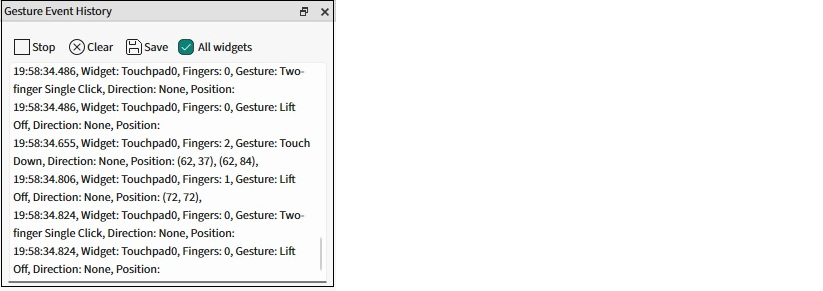
- Start/Stop – Starts/stops recording the history.
- Clear – Deletes the recorded data.
- Save – Saves the recorded data to the specified *.txt or *.csv file.
- All widgets – Check this to record the history for all widgets. Otherwise, only the history for the widget selected in the Gesture View tab will be recorded.