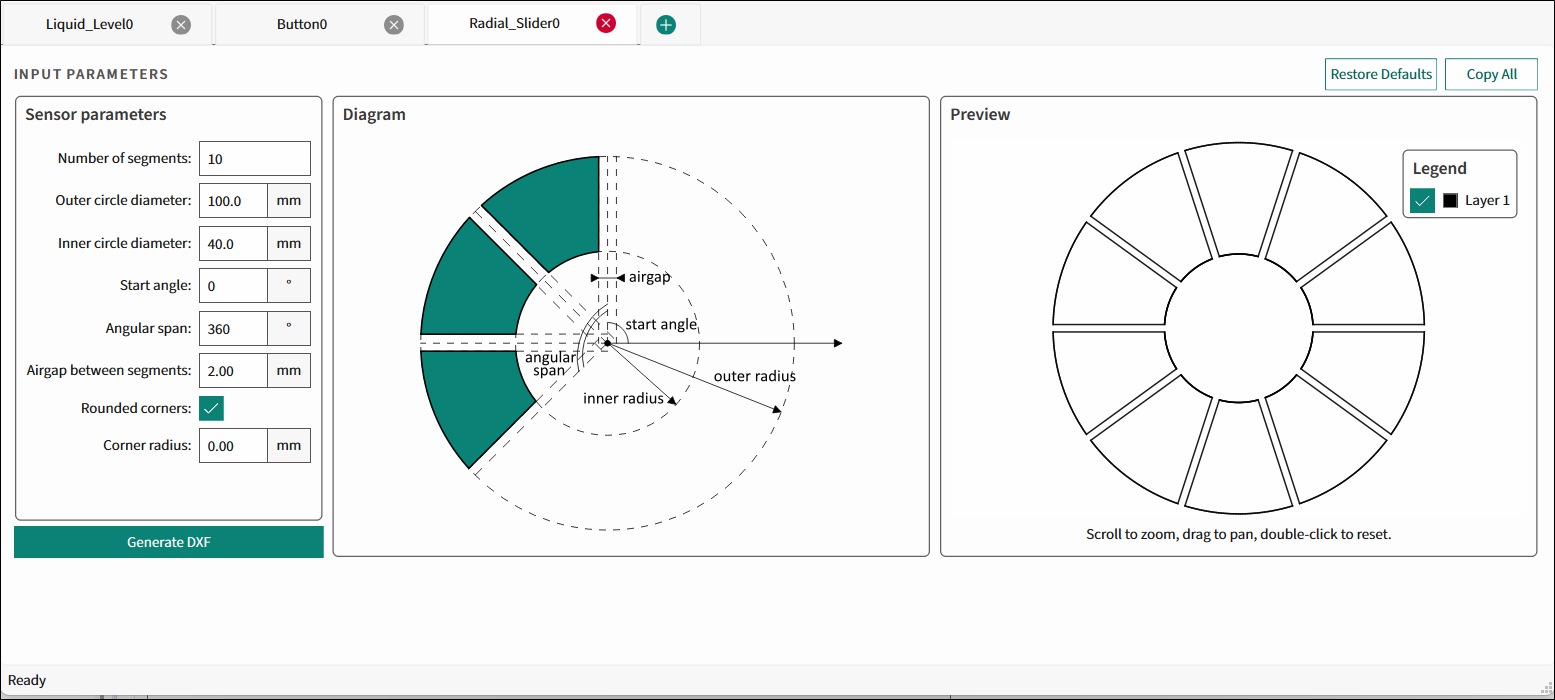
The Radial Slider tab is used to design an array of capacitive sensors and their parameters for the preferred application requirements and generate a *.dxf file.
Input Parameters (Radial Slider)
Sensor parameters
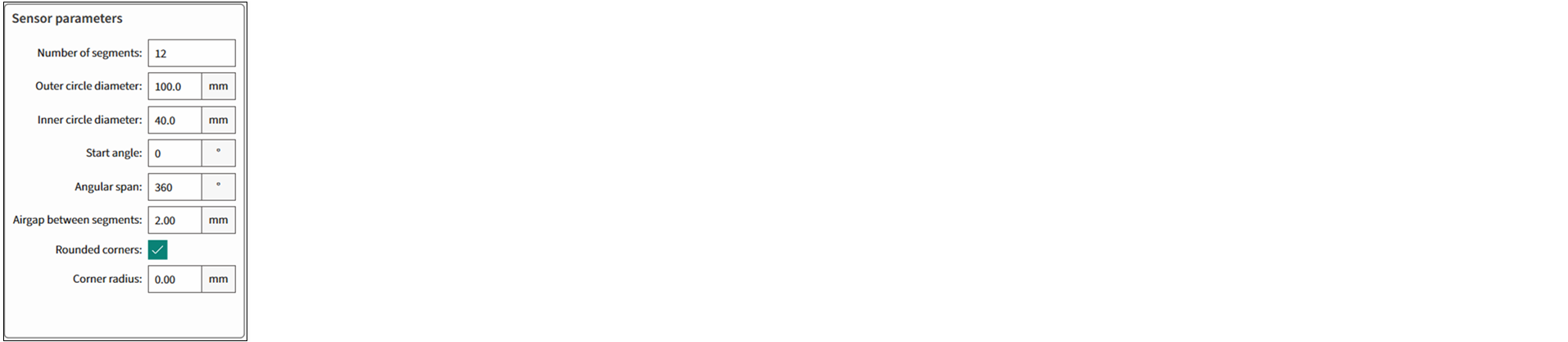
- Number of segments – The number of sensor subdivisions within the angular span. The range – 3-32; default – 8.
- Outer circle diameter – The diameter of the outer bounding circle with the sensor inside. The range – 10-300 mm; default – 100 mm.
- Inner circle diameter – The diameter of the inner circle with the sensor outside. The range is 1-299 mm; default – 40 mm.
- Start angle – The angle in positive polar coordinates where the first sensor starts. The range – 0-360°; default – 0°.
- Angular span – Contains all sensor segments. The range – 10-360°; default – 360°.
- Airgap between segments – The linear (consistent along the radius of bounding circles) distance between adjacent sensor edges. The range – 0.01-10 mm; default – 2 mm.
- Rounded corners – Rounded corners form smooth spline transitions with the bounding circle arcs, ensuring each junction occurs where the arc tangent matches the rounded-corner tangent.
- Corner radius – The radius of rounded corners. This parameter is only visible if Rounded corners is enabled. The range – 0-100 mm; default – 0.00 mm.
Note:
The Generate DXF button is disabled when the geometry is not possible.
Illustration – Diagram and Preview
The illustration displays the images of the sensor performance.
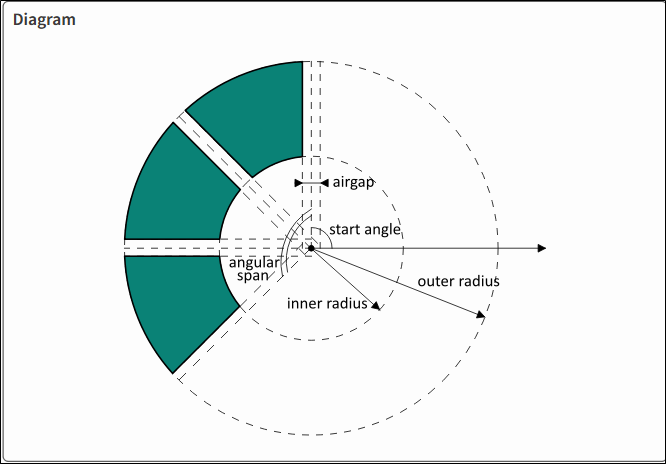
Diagram is a graphic illustration of the Radial Slider sensor.
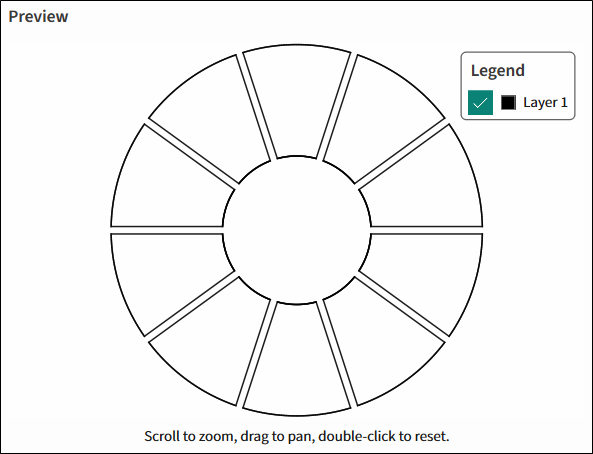
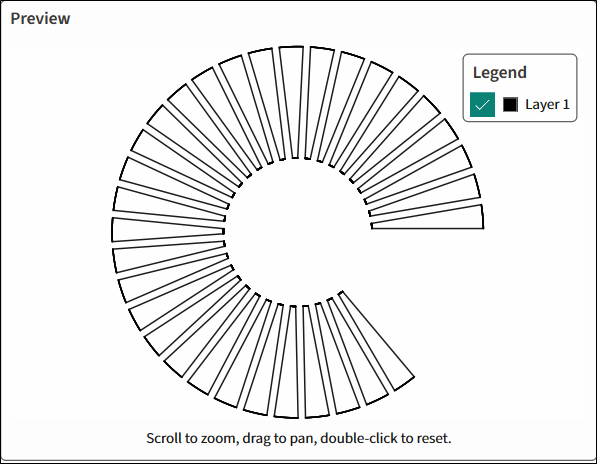
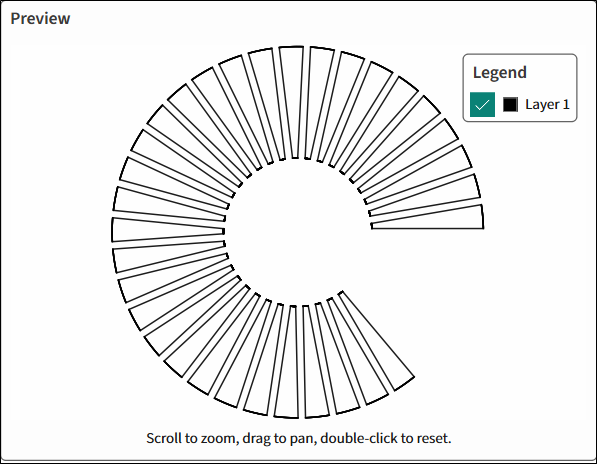
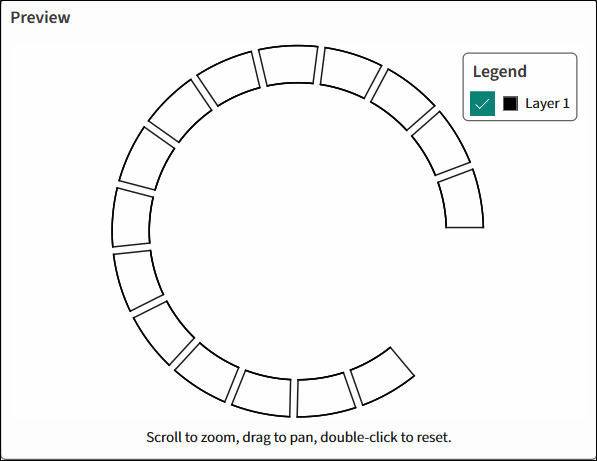
Preview illustrates the input parameters changing in dynamics depending on the selected parameters.
 |
 |
 |
 |