This section covers the ways to get started using VS Code with ModusToolbox™ software
Create new application
On the ModusToolbox™ for VS Code extension, under Getting Started, click the Create New Project button. This will launch the Project Creator tool if it is installed. If it is not installed, then you well see a message to install ModusToolbox™ software. For more details, refer to the Project Creator user guide.
Export existing application
If you have a ModusToolbox™ application that was created for another IDE or the command line, you can export that application to be used in VS Code. Use the Open Folder command and point to the application directory containing the application Makefile.
Open a ModusToolbox™ Shell terminal in the application directory and run the
command make vscode. This will add VS Code specific files,
including the workspace file, that will make the application compatible with VS Code.
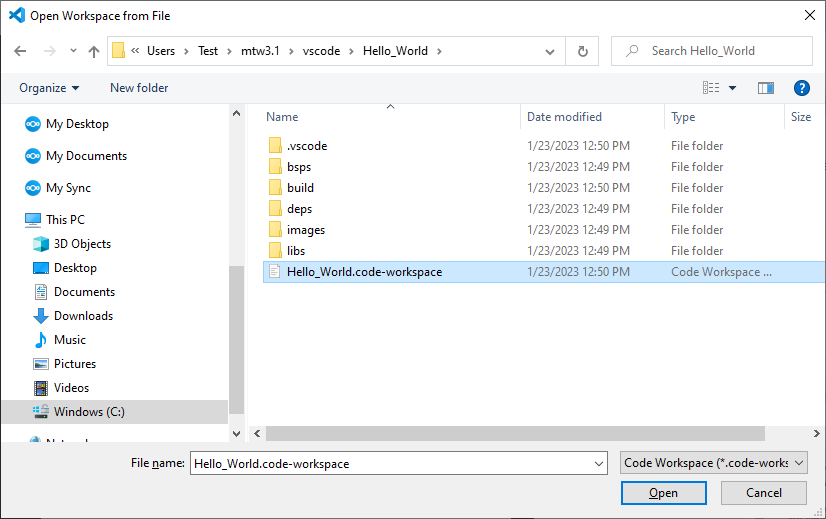
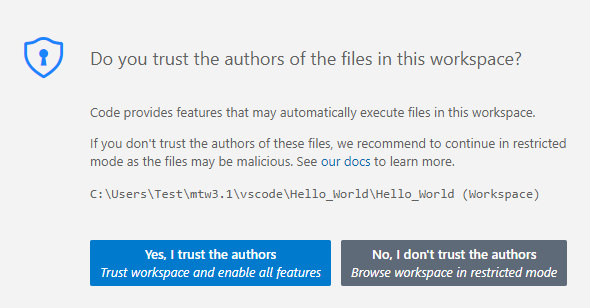
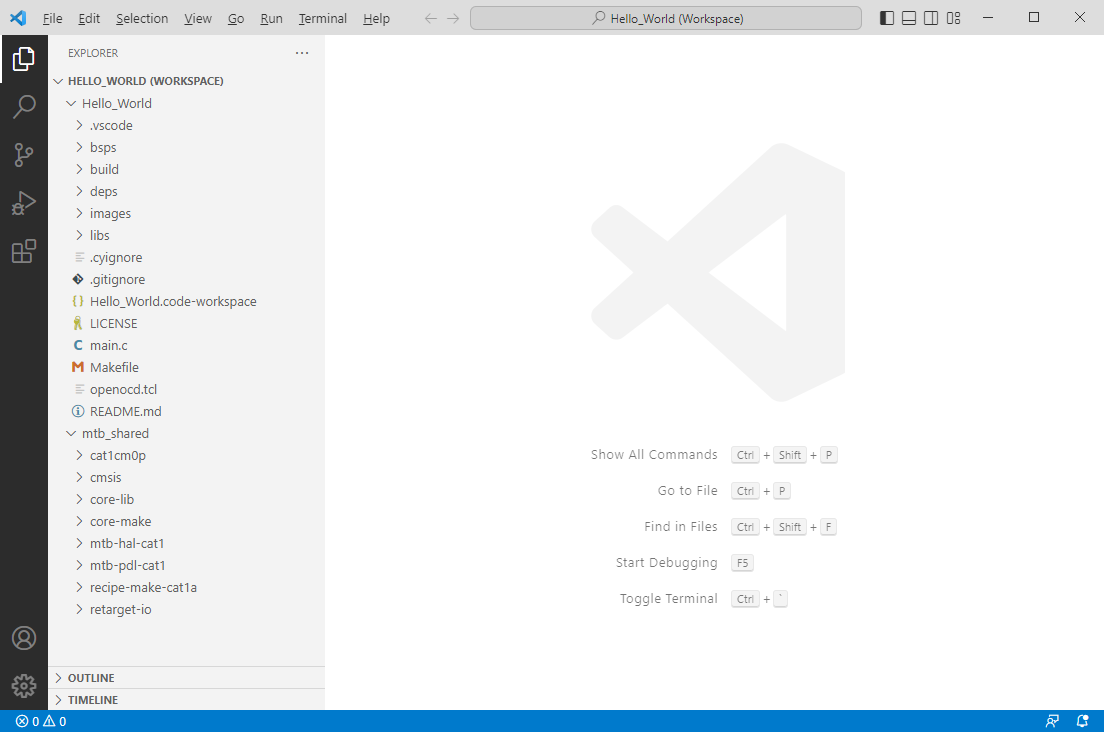
Open workspace in VS Code