ModusToolbox™ for VS Code extension
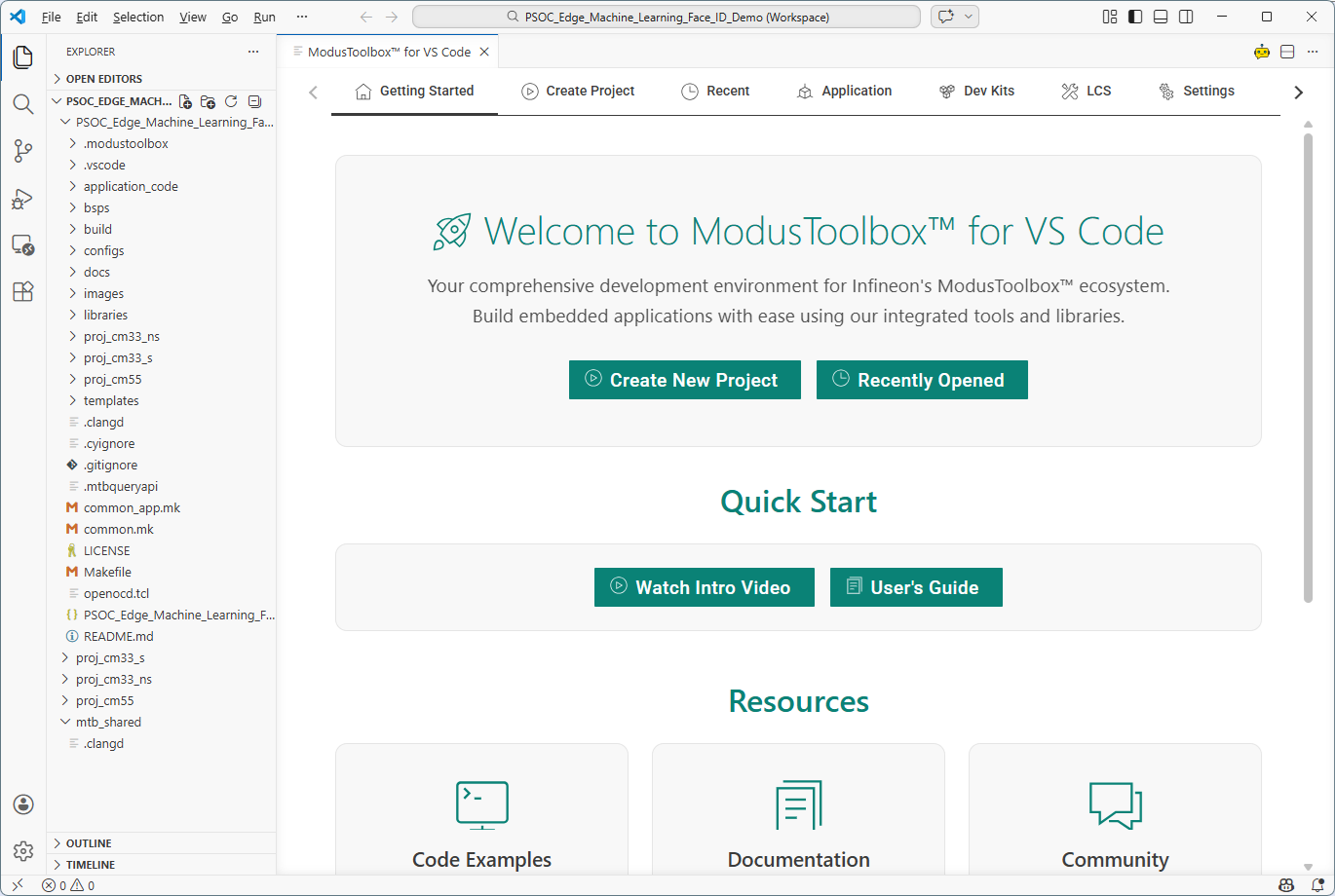
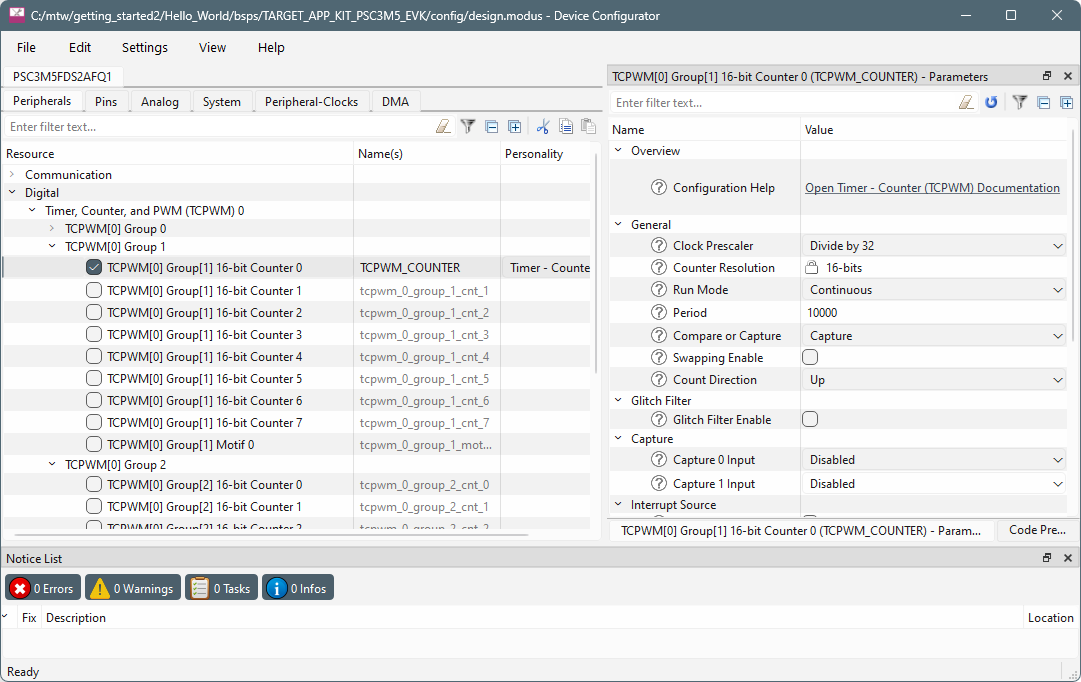
When you have a ModusToolbox™ application loaded in VS Code, you can use various tabs and commands to Build, Program, and Debug the application. You can also open additional tools such as Device Configurator to configure you application with device settings and firmware, as well as the Library Manager to add and remove firmware libraries.
Command line

This section covers a few of the tools you might open more frequently. For a complete list of the tools available, refer to the tools package user guide.
Library Manager
To add, remove, or modify libraries, open the Library Manager using the following command:
make library-managerRefer to the Library Manager user guide for details about that tool.
BSP Assistant
To create or modify a BSP, open the BSP Assistant using the following command:
make bsp-assistantRefer to the BSP Assistant user guide for details about that tool.
Device Configurator
To view peripherals, pins, clocks, etc., open the Device Configurator using the following command:
make device-configurator