If you already have VS Code installed, then use the extensions marketplace to find and
install the Infineon VS Code for ModusToolbox™ extension.
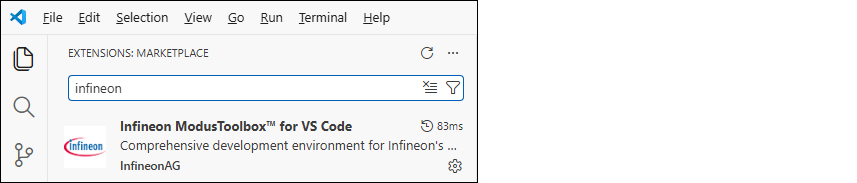
If you do not have VS Code already installed, you can download it from the website:
https://code.visualstudio.com/
Once the extension is installed, you can use it to create new projects and work of them in
VS Code. See Getting Started for more details.
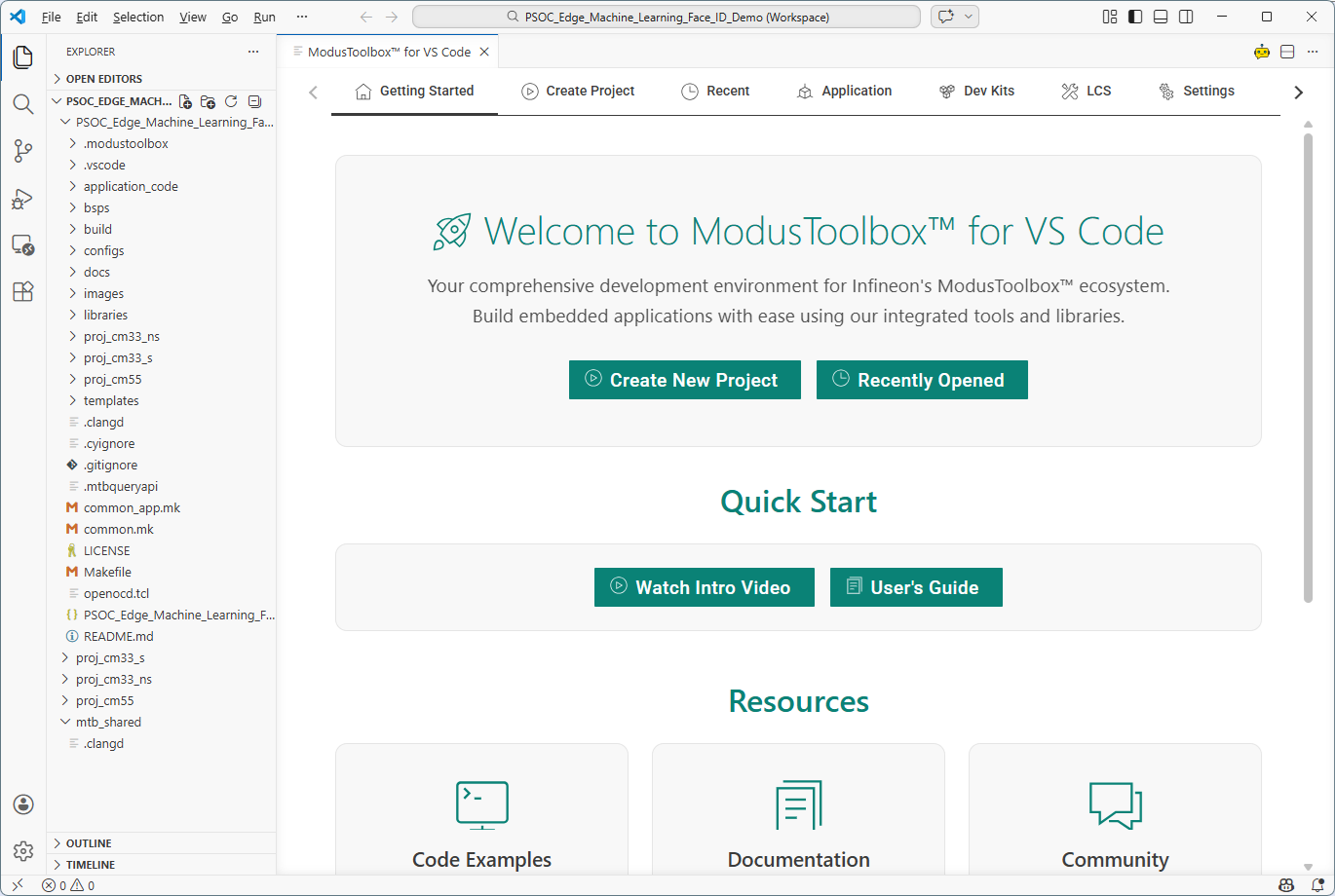
The extension will prompt to install other recommended extensions, including the
following:
- Cortex-Debug

- Arm® Assembly

- clangd

J-Link
For J-Link debugging, download and install J-Link software: