View refers to a specific arrangement or presentation of the content within InfineonSpice. The information is displayed in a list format. Depending on what kind of content is displayed in the frontmost tab, different commands are available for View

- Zoom
- Click on Zoom and a number of zooming options appear.
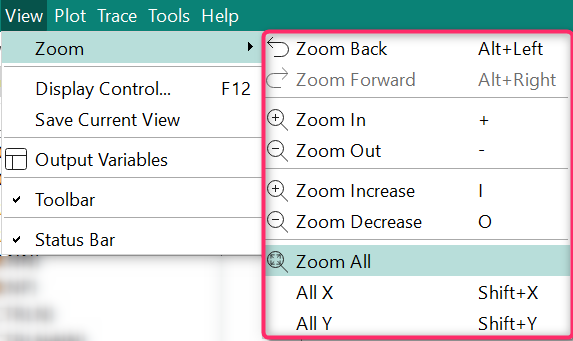
Zoom Back reverts the zoom back to the original position. Zoom Back can only be used once you triggered a zoom command.
Zoom Forward reverts the Zoom Back.
Zoom In to see more detail.
Zoom Out to see the bigger picture
- Display Control
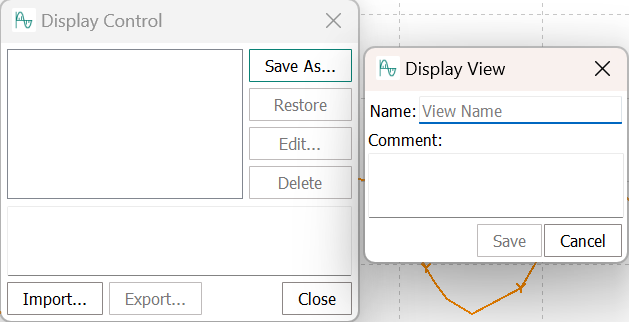
- Save Current View
- Output Variables
- Click on Output Variables to display the ouput variables menu or hide it.
- Toolbar
- Click on Toolbar to display the Toolbar or hide it.
- Status Bar
- Click on Status Bar to display the status bar on the page bottom or hide it.