The center of the window is the main work area. It contains a tabbed view for each object on which you are working (such as schematics or models).
Each of these views can be extracted from the main window and can stand on its
own by clicking  and dragging the view to the
desired position.
and dragging the view to the
desired position.
To move a view to another place grab it on the title bar and move it to the favored place. Blue areas indicate the dropping point of the view.
One or more views can also be closed by clicking .
.
If you want to return to the default layout, you can do so by clicking .
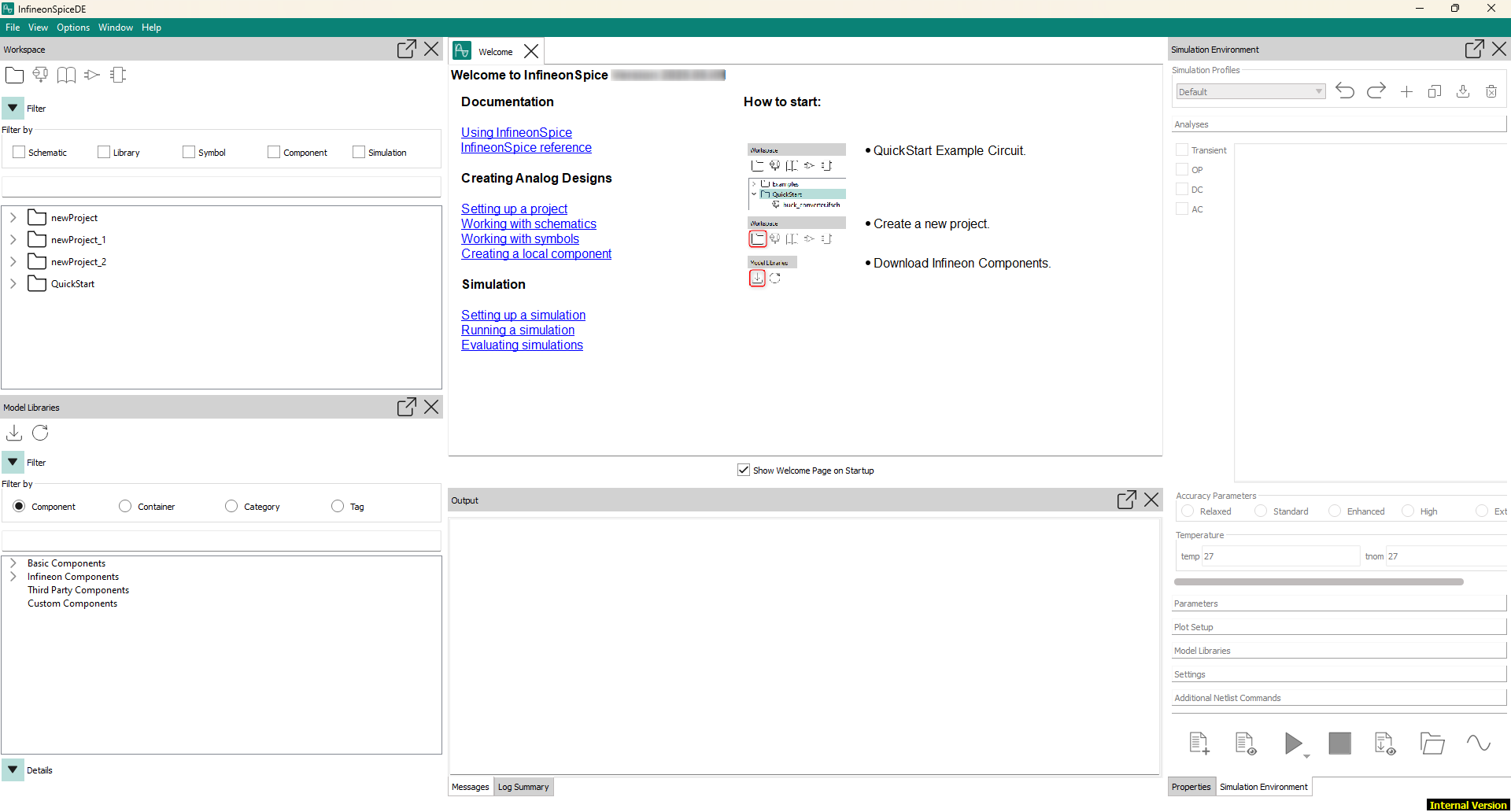
At the bottom of the window, the Output view provides feedback from the system.
Refer to Introduction in the Getting started guide.