Read device
Connect the device to the host computer and select it in the
Programmer
,
Board
, and
Device
drop-downs.
Connect to the device (see
Connect device
).
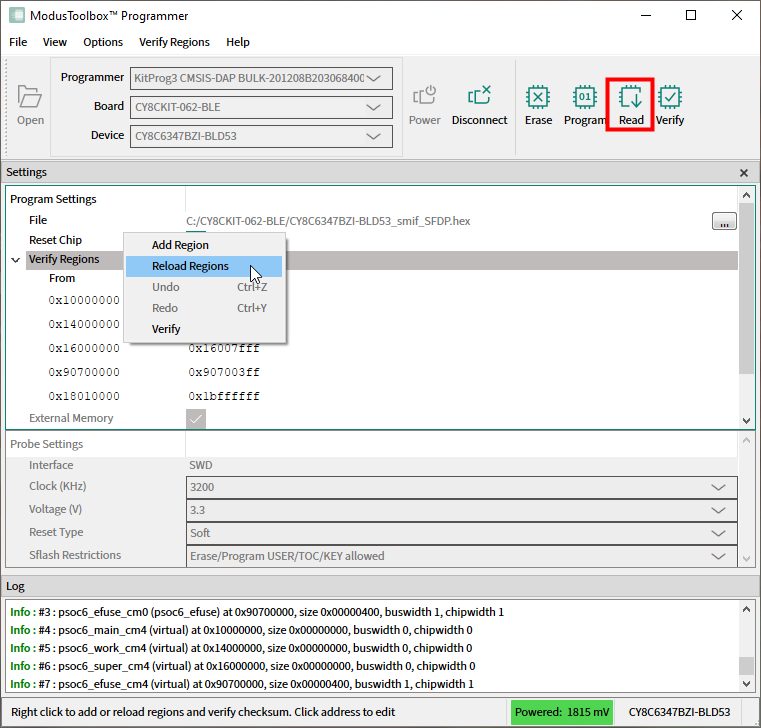
Click the
Read
button.
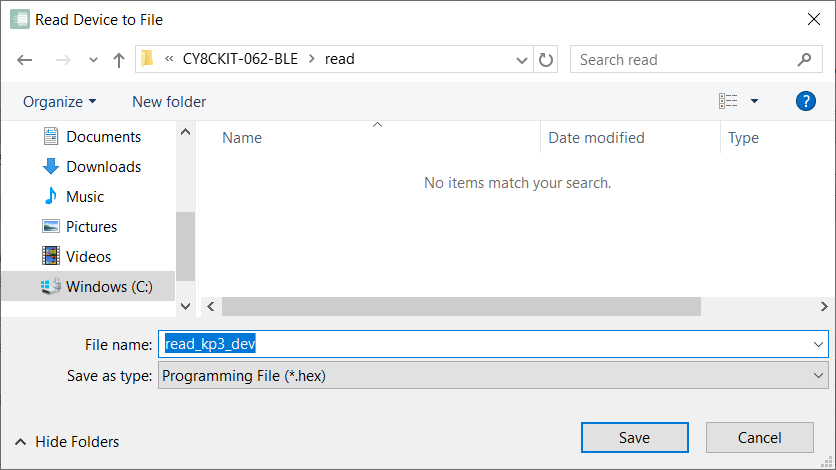
On the Read Device to File dialog, navigate to the location of the HEX or SREC file to be saved, enter the file name, select the file type in the
Save as type
drop-down, and click
Save
.
Note:
Under Ubuntu Linux, specify the full file name with an extension (e.g. kp3-dev.srec); otherwise, the file will be saved in HEX format.
ModusToolbox™ Programmer performs the Read device operation and displays various messages in the
Log
. Then, a message in the Status Bar indicates that the device was read successfully or that an error occurred.

Note:
Read Device feature is not available for the boards based on WICED-Bluetooth hardware programmers.