Program eFuse region of PSOC™ 6/TRAVEO™ T2G/XMC7xxx/XMC5xxx MCU
Connect the device to the host computer and select it in the
Programmer
,
Board
, and
Device
drop-downs.
Select the programming file as described in the
Load programming file
section. The programming file should contain valid eFuse data region (at address 0x90700000).
Select the
Program Security Data
check box under
Program Settings
.
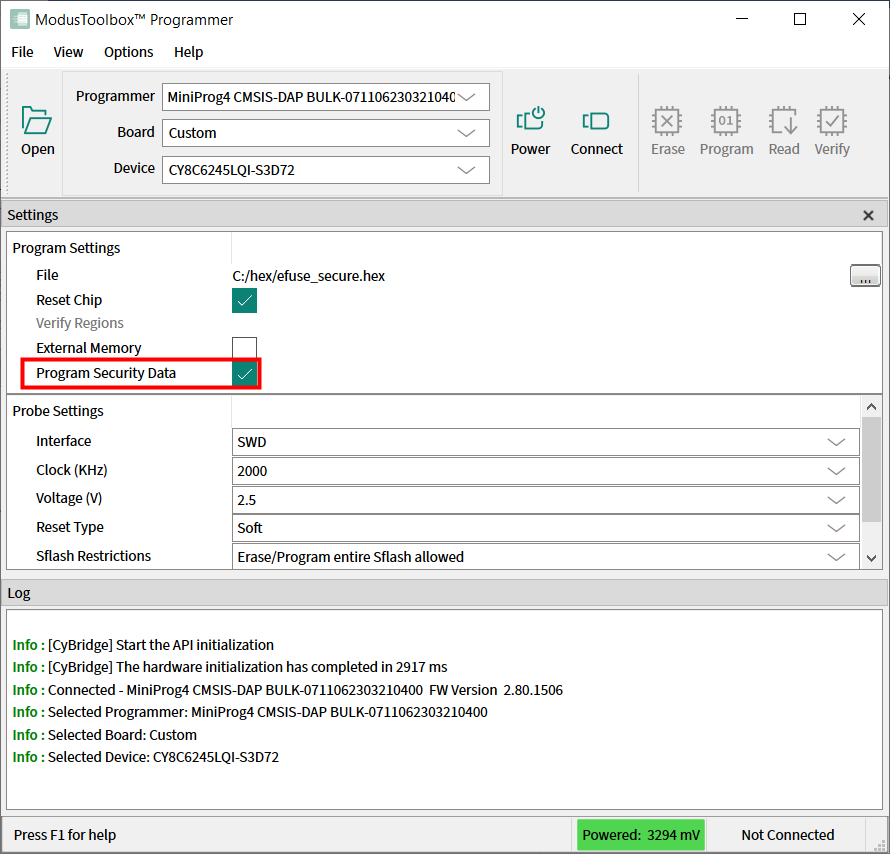
Connect to the device (see
Connect device
).
Click the
Program
button.
ModusToolbox™ Programmer programs the device and displays various messages in the Log. Then, a message in the Status Bar indicates that the device was programmed successfully or that an error occurred.
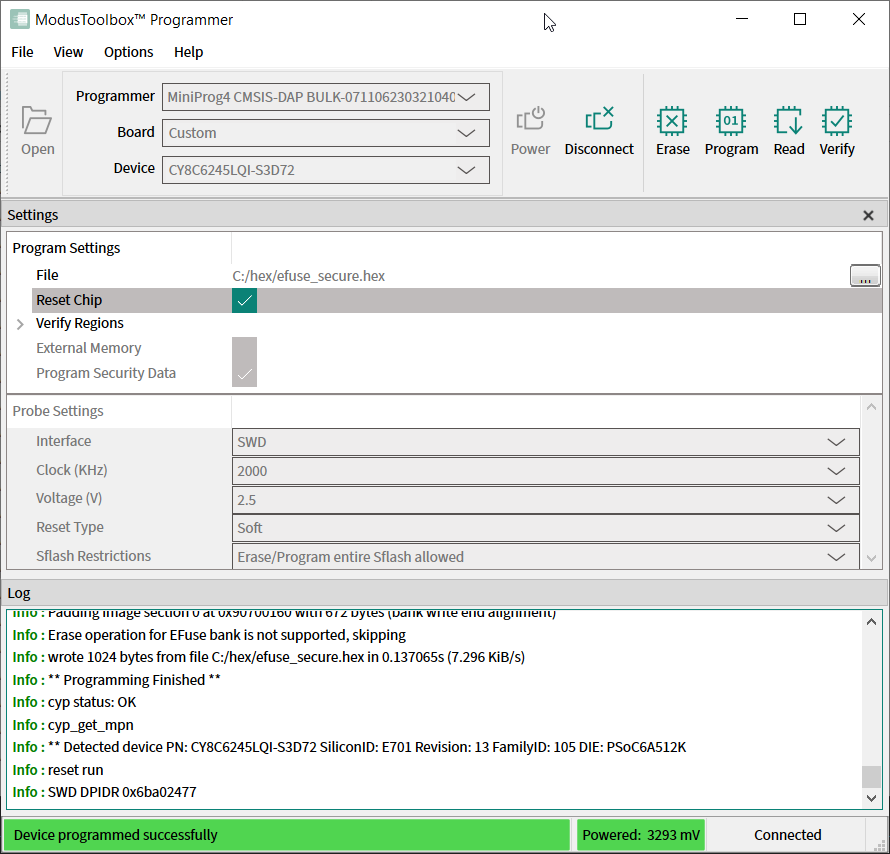
If some eFuse bits have been already programmed before, a warning message "The efuse bit at address xx has been already blown" appears in
Log
.
