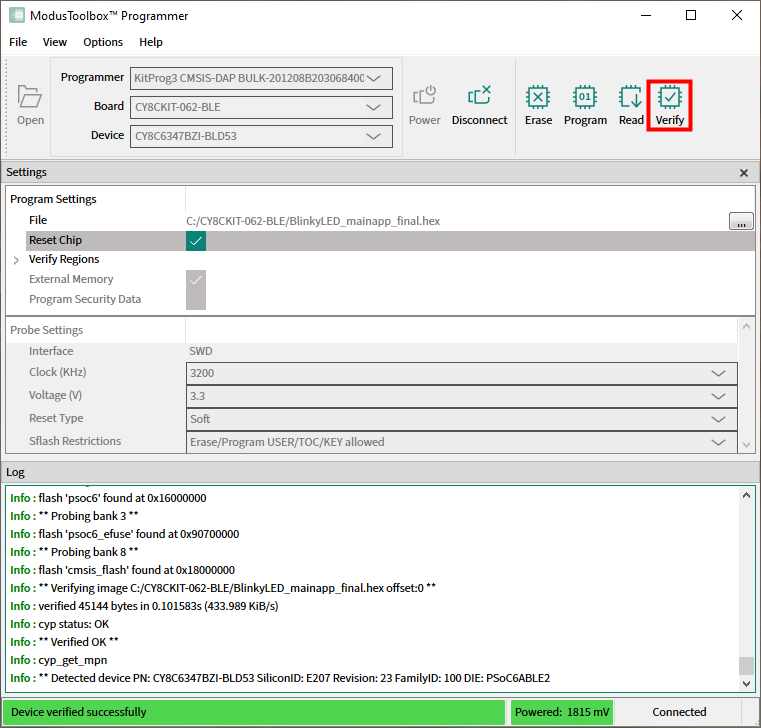
Verify device
Connect the device to the host computer and select it in the
Programmer
,
Board
, and
Device
drop-downs.
Select the programming file as described in the
Load programming file
section.
Connect to the device (see
Connect device
).
Click the
Verify
button.
ModusToolbox™ Programmer performs the Verify device operation and displays various messages in the Log. Then, a message in the Status Bar indicates that the device was verified successfully or that an error occurred.