Program AIROC™ CYW955513EVK-01 and CYW9M2BASE-43012BT boards
Connect the device to the host computer and perform recover device procedure as described in
How to recover AIROC™ Bluetooth® devices on failure
.
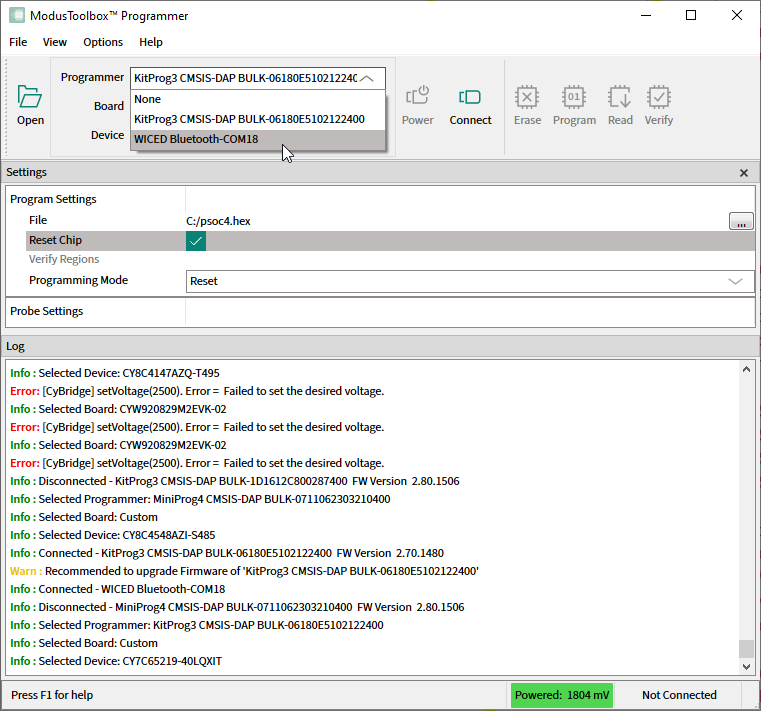
Click the Programmer pull-down and select 'WICED Bluetooth-PortXX' programmer.
Note:
The CYW9M2BASE-43012BT board should be switched to Dual UART mode first, otherwise the WICED Bluetooth programmer will be unavailable in theBoardpull-down menu. To do this, press the hardware 'Mode' button on the Kit, hold it for 3 seconds, then release it.
Open the
Board
pull-down and select the appropriate board name (e.g., CYW955513EVK-01)
Select the programming file as described in the
Load programming file
section.
Connect to the device (see
Connect device
).
Click the
Program
button.
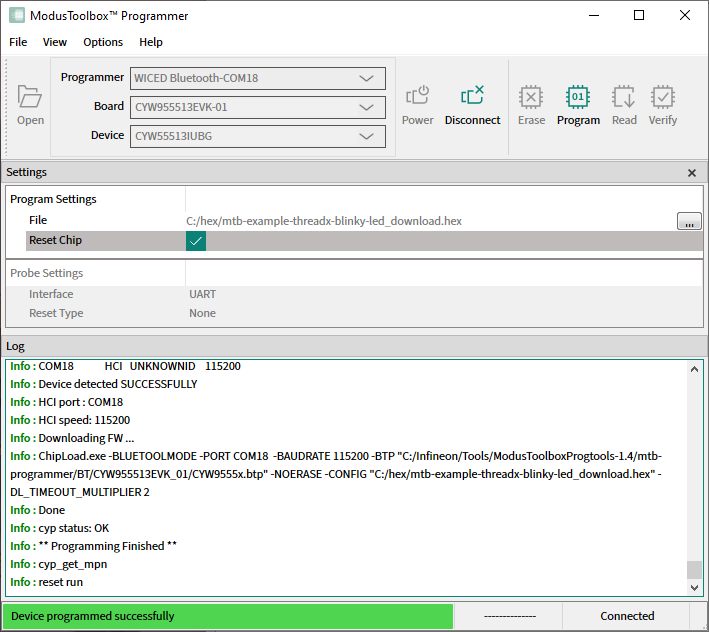
ModusToolbox™ Programmer programs the device and displays various messages in the Log. Then, a message in the Status Bar indicates that the device was programmed successfully or that an error occurred.