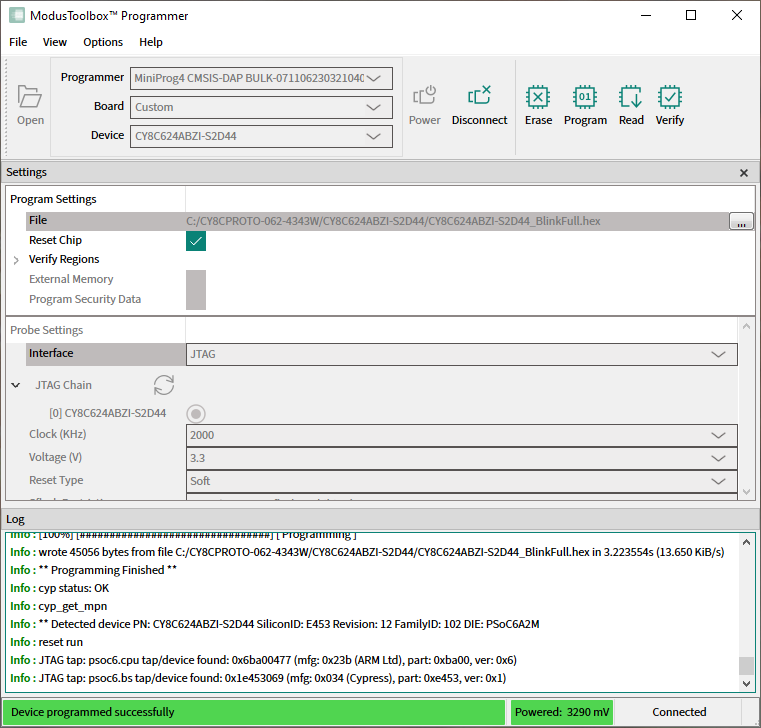
Program PSOC™ 6/Control C3 MCU in JTAG chain
Connect the host computer to a MiniProg4 or J-Link probe attached to several MCU targets in the JTAG chain.
The following hardware configuration is used in this example:
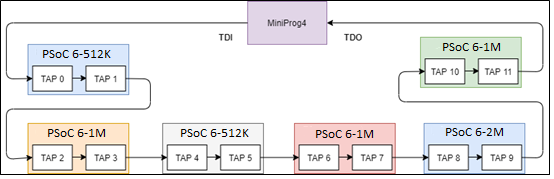
The sample JTAG chain configuration contains six serially-connected PSOC™ MCU targets.
Select the MiniProg4 probe and target device in the
Programmer
,
Board
, and
Device
drop-downs, and ModusToolbox™ Programmer will display information under
Probe Settings
. Ensure the JTAG chain is powered.
Select the JTAG interface in the Interface drop-down.
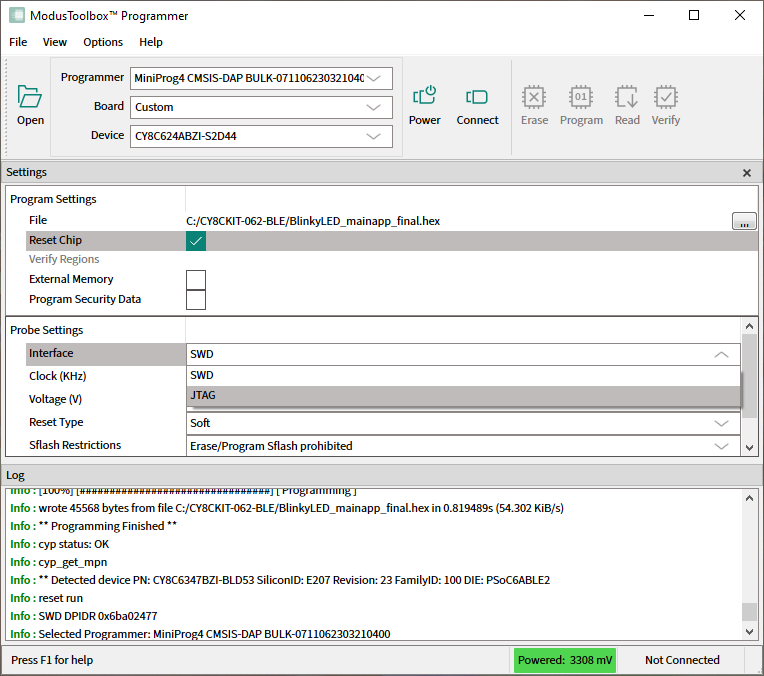
ModusToolbox™ Programmer queries the JTAG chain and displays detected devices under the JTAG Chain option in Probe Settings. The list of devices in the chain contains target names for supported devices and ID codes for those which are not supported.
Select the desired target device in the list by clicking the radio button next to the target name.
Select the programming file as described in the
Load programming file
section.
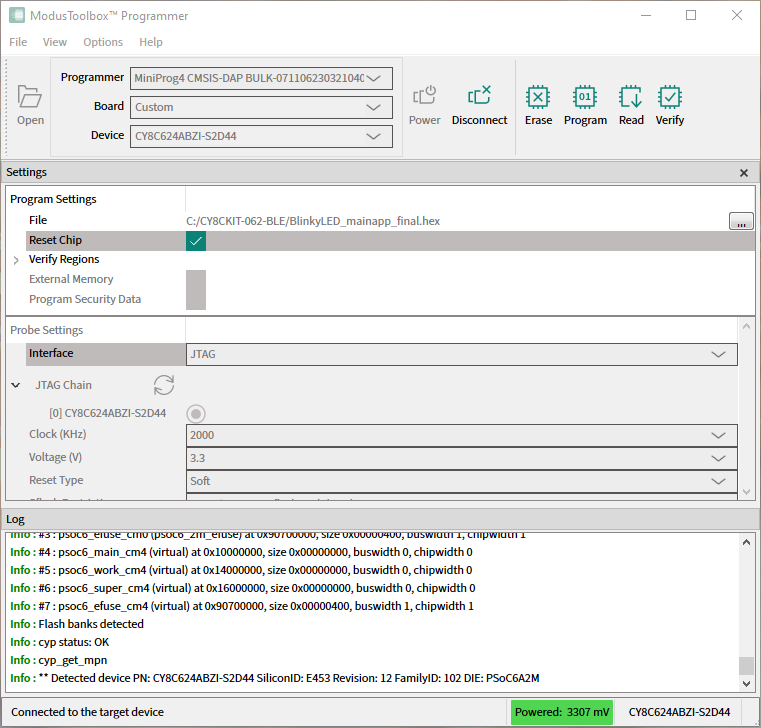
Click
Connect
. ModusToolbox™ Programmer communicates with the device and displays various messages in the
Log
. Then, a message in the Status Bar indicates that it is connected.
Click the
Program
button.
ModusToolbox™ Programmer programs the device and displays various messages in the
Log
. Then, a message in the Status Bar indicates that the device was programmed successfully or that an error occurred.