Analog tab
For newer devices, the
Analog
tab allows you to enable and configure the various analog resources in your application. The filter box and the hide disabled button above the list of resources allows you to limit the items shown in the tree. This tab allows you to enter one or more
Name(s)
for the resource. It also shows the selected
Personality
where applicable.
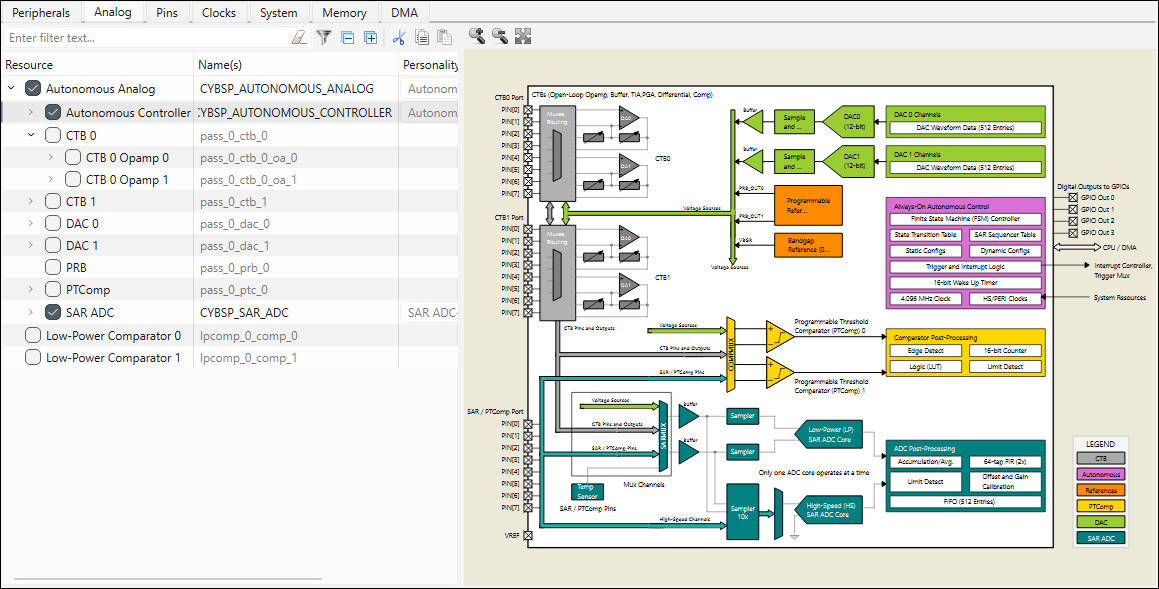
The interactive diagram changes based on the enabled resource you have selected in the tree. You can double-click on certain areas of a diagram to enable/disable a resource.