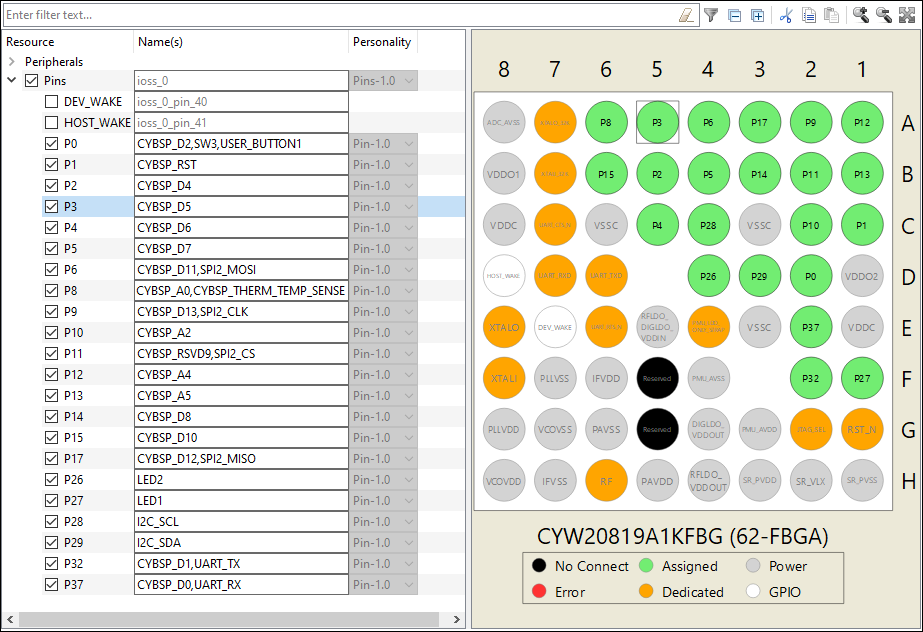
Pins
The
Pins
tab/tree is where you enable all the pin related resources. All available pins are shown in an expandable tree, arranged by port number. The filter box and the hide disabled button above the list of pins allows you to limit the pins shown in the tree. This tab allows you to enter one or more
Name(s)
for the resource. It also shows the selected
Personality
where applicable.
The interactive pin package diagram shows the different states of the pins; there is a legend on the diagram. You can enable/disable a pin by double-clicking it in the diagram.
Pin states are shown in different colors:
Black – No connect
White – Disabled
Green – Enabled
Grey – Power/ground pins
Orange – Fixed function pins
Red – Error state
Semi-transparent – The hardware resource’s enabled state has been locked.
Device families with tabs
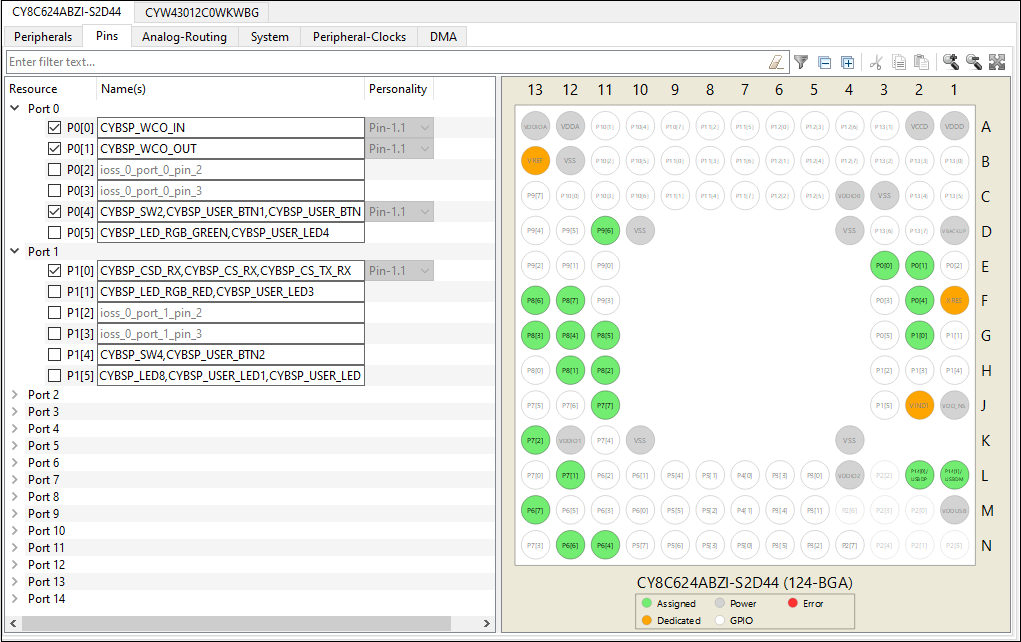
Device families without tabs