Configure secure CM33 project
Select the non-secure CM33 project, open the Options dialog, and go to
General Options > 32-bit
.

Select:
FPU
: VFPv5 single precision
DSP Extension
: selected
Mode
: Secure
Switch to
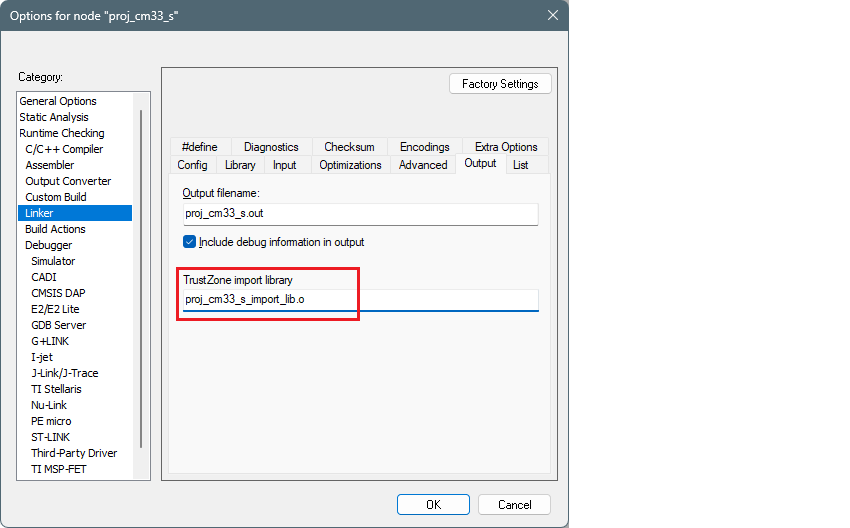
Linker > Output
tab, and verify that the
TrustZone import library
is set.
Click
OK
to close the Options dialog.
Save the project and build it using
Project > Make
on the main menu, and this generates the library file.