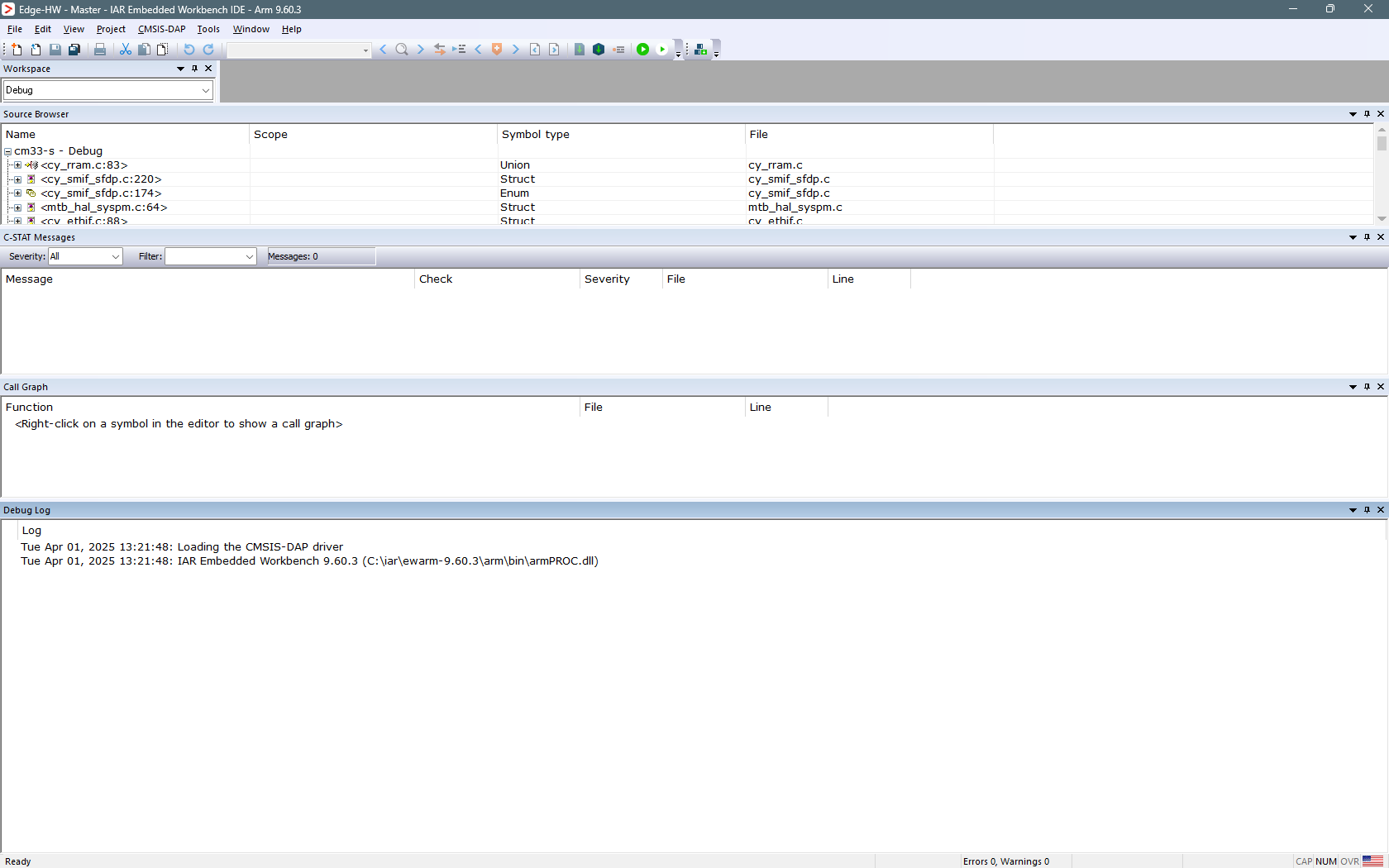
Target Programming
After preparing the combined image and setting up the debugger connection, the next step is to program the target. To accomplish this, follow these steps:
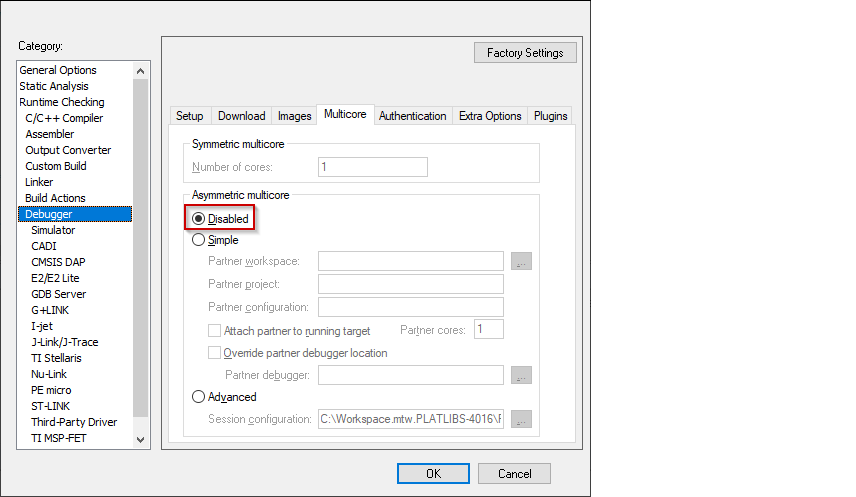
Select the secure CM33 project, open the Options dialog, and select the
Debugger
category.
On the
Multicore
tab, and temporarily select the
Disabled
radio-button to allow erasing and downloading.
Click
OK
to close the Options dialog.
Select
Project > Download > Download file…
and select the
build\app_combined.hex
file (you may have to select all files).

Click
Open
. The following dialog displays while programming. This may take a few minutes.

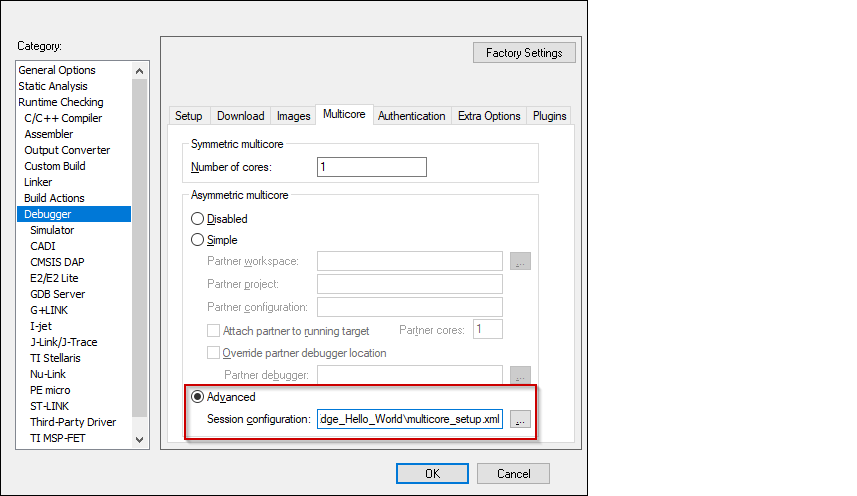
When complete, open the Options dialog to the
Debugger
category, select the
Multicore
tab, and re-enable the
Advanced
radio-button.
Click
OK
and the GUI changes appearance.