Program/Debug with KitProg3/MiniProg4 (CMSIS-DAP)
As needed, run the fw-loader tool to make sure the board firmware is upgraded to KitProg3. See the
KitProg3 User Guide
for details. The tool is in the following directory by default:
C:\Infineon\Tools\ModusToolboxProgtools-[version]\fw-loader\bin\
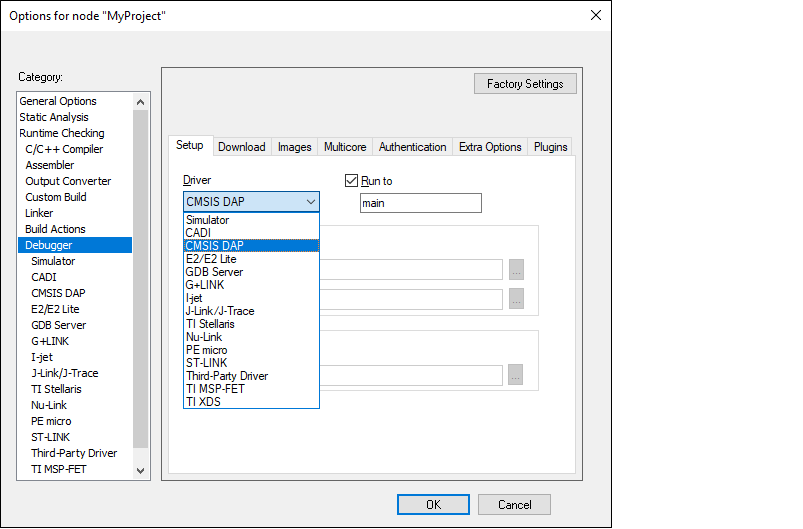
In IAR Embedded Workbench, open the Options dialog, go to
Debugger
, and select
CMSIS-DAP
in the driver list:
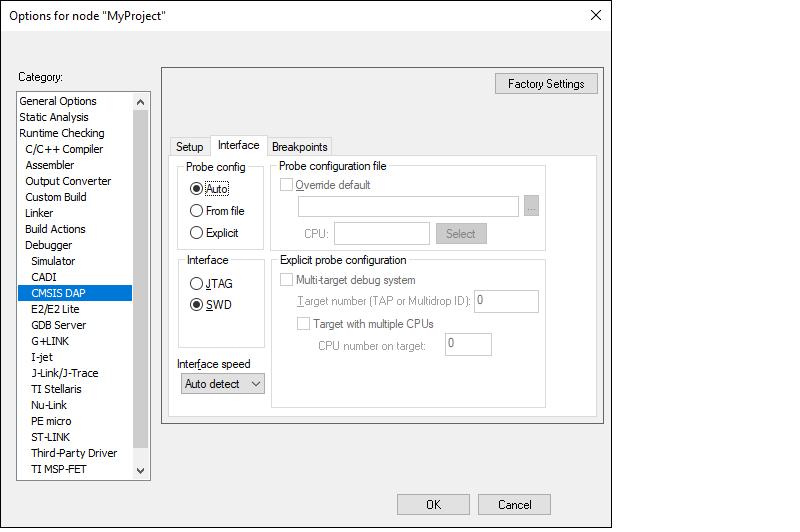
Select the
CMSIS-DAP
node, switch the interface from
JTAG
to
SWD
, and set the Interface speed to
2MHZ
.
Note:
When using MiniProg4 with a single-core PSOC™ 6 MCU, you must specify a special type ofResetunder theSetuptab, as follows:
Click
OK
.
Select
Project > Download and Debug
.
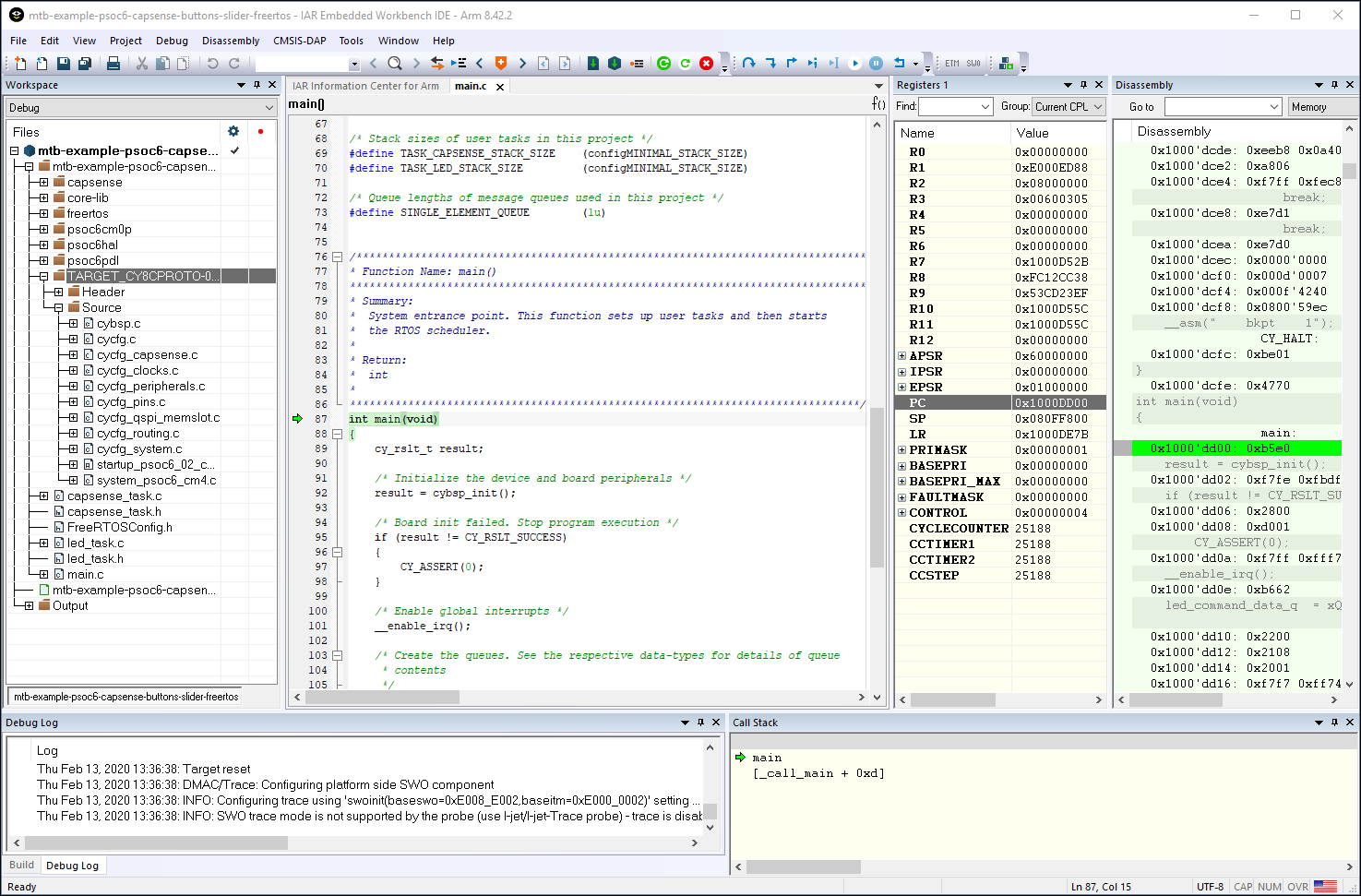
The IAR Embedded Workbench starts a debugging session and jumps to the main function.