Code Preview pane
The
Code Preview
pane is a read-only preview of the code that will be generated for the currently selected resource when you save the *.
modus
file. As you update configuration options, the
Code Preview
pane updates the code shown. This code will be written to the appropriate file(s) located in the
GeneratedSource
folder of your application.
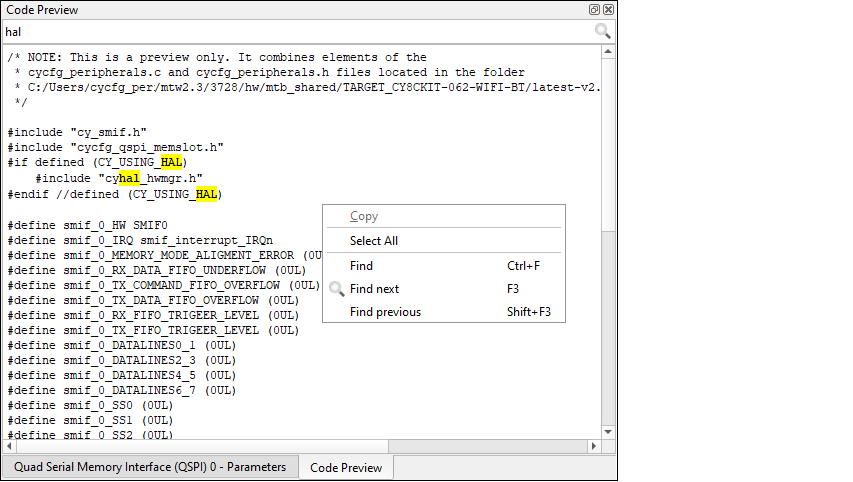
You can select and copy code from this pane using [
Ctrl
]+[
c
] key or using the right-click menu option.
You can use the
Search
feature to find instances of specific terms.