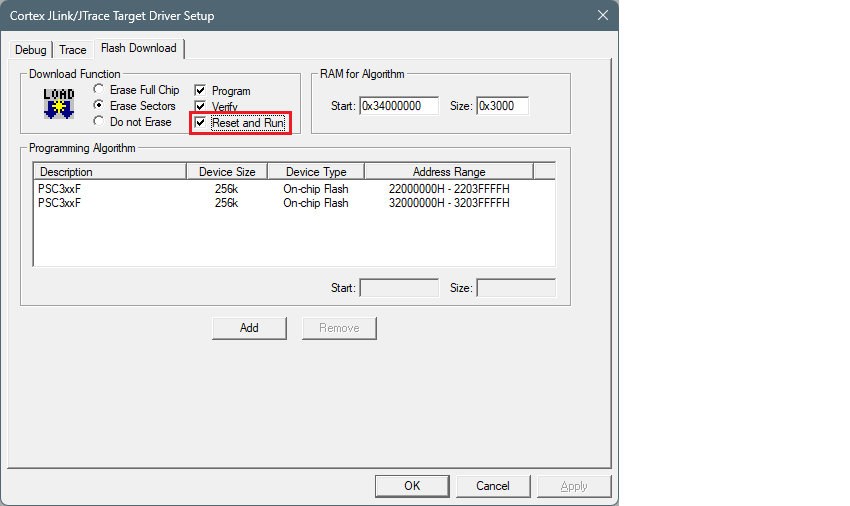
To use J-Link debugger
Make sure you have J-Link software version 8.12 or newer.
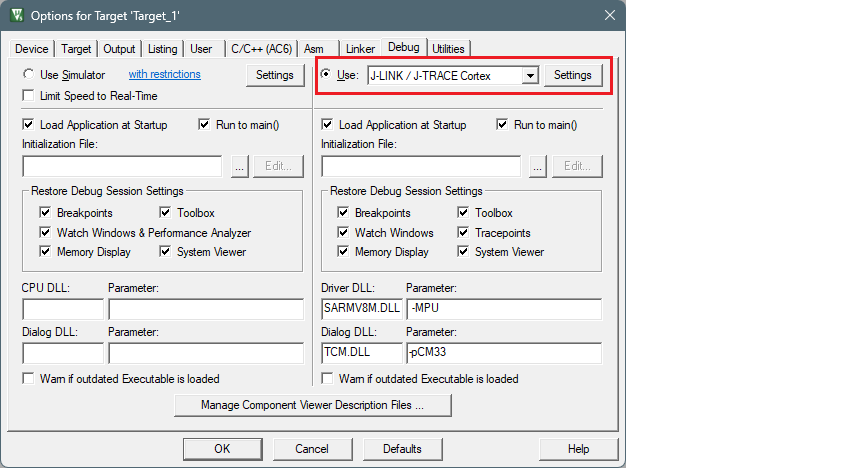
Select the
Debug
tab in the Options for Target dialog, select
J-LINK / J-TRACE Cortex
as debug adapter, and click
Settings
:
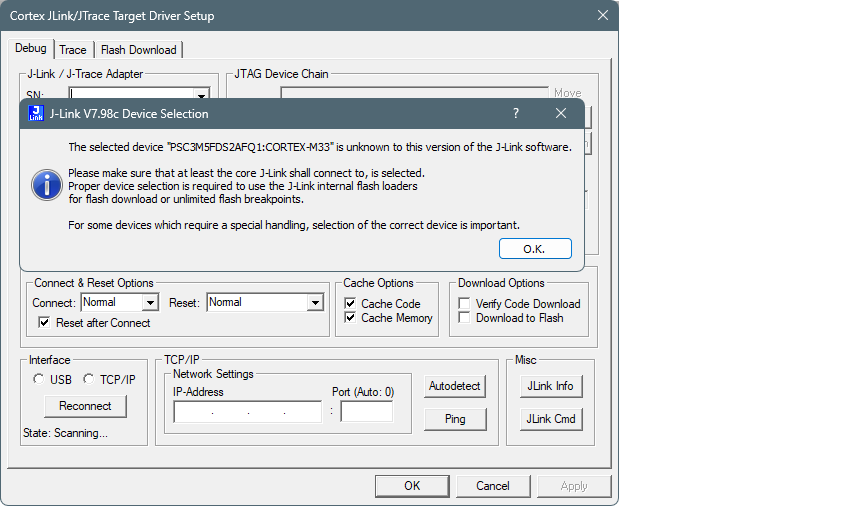
If you see the following message, click
OK
in the Device selection message box:
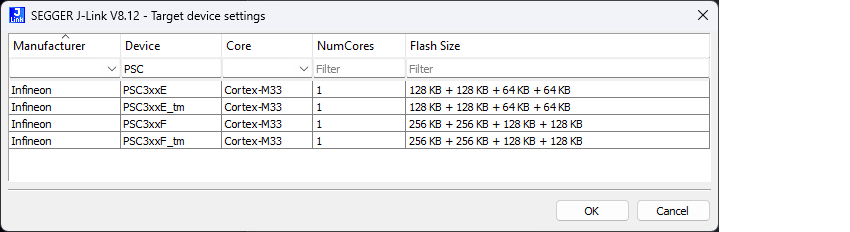
Select the appropriate device in the Target device settings and click
OK
.
Go to the
Debug
tab in Target Driver Setup dialog and select:
set
Port
to "SW"
set
Max Clock
to "1 MHz"
set
Connect
to "Normal"
set
Reset
to "Normal"
enable
Reset after Connect
option
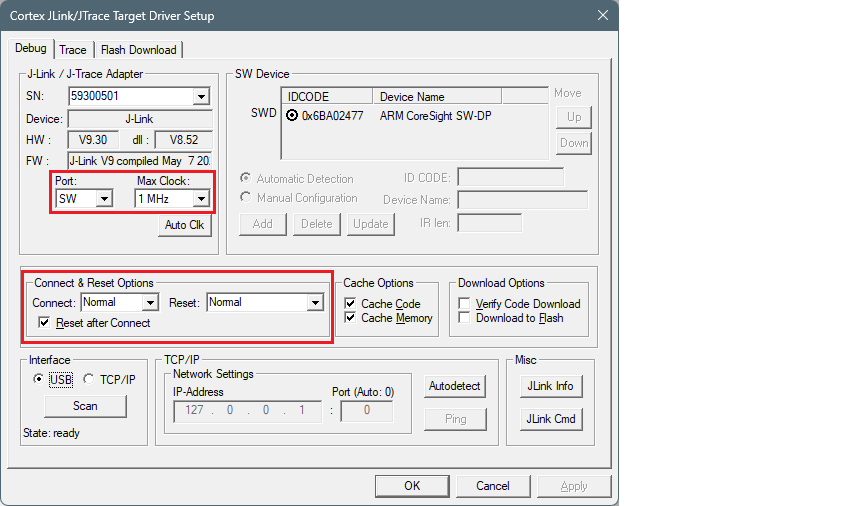
Select the
Flash Download
tab in Target Driver Setup dialog and select
Reset and Run
option after download if needed: