Launch the Sensor Designer tool
There are several ways to launch the Sensor Designer tool, and those ways depend on the application, and how you use the various tools.
VS Code and Eclipse IDE
VS Code and Eclipse have tools to launch the Sensor Designer tool from within an open application. Refer to the applicable user guide for more details:
Executable
You can launch the Sensor Designer tool GUI by running its executable as appropriate for your operating system. By default, it is installed here:
[install_dir]/ModusToolbox/packs/ModusToolbox-Multi-Sense-Pack/tools/sensor-designer-tool
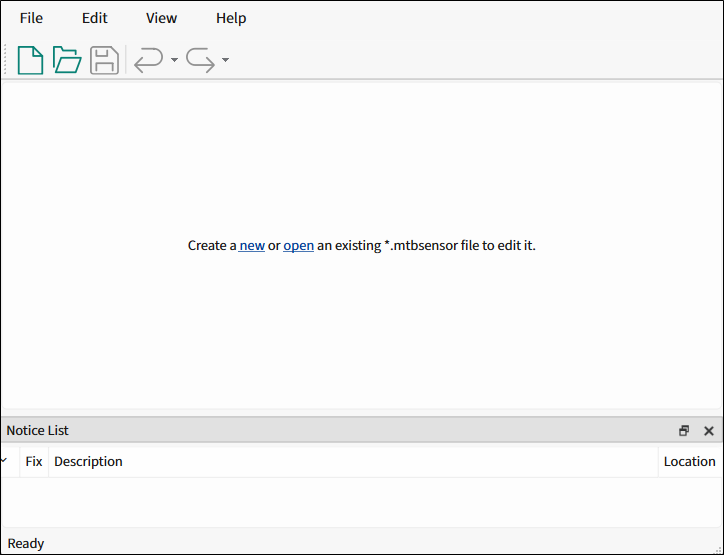
When opened this way, the Sensor Designer tool GUI opens blank without any information.