Run the Dashboard (optional)
The ModusToolbox™ tools package includes an optional Dashboard tool. To run the Dashboard select the option on the final page of the Setup program after installation has complete. You can also run the Dashboard as follows:
Windows
: Select the "dashboard" item from the Windows
Start
menu.
Linux
: Navigate to
/<install-path>/ModusToolbox/tools_<version>/dashboard
and run the executable.
macOS
: Run the "dashboard" app.
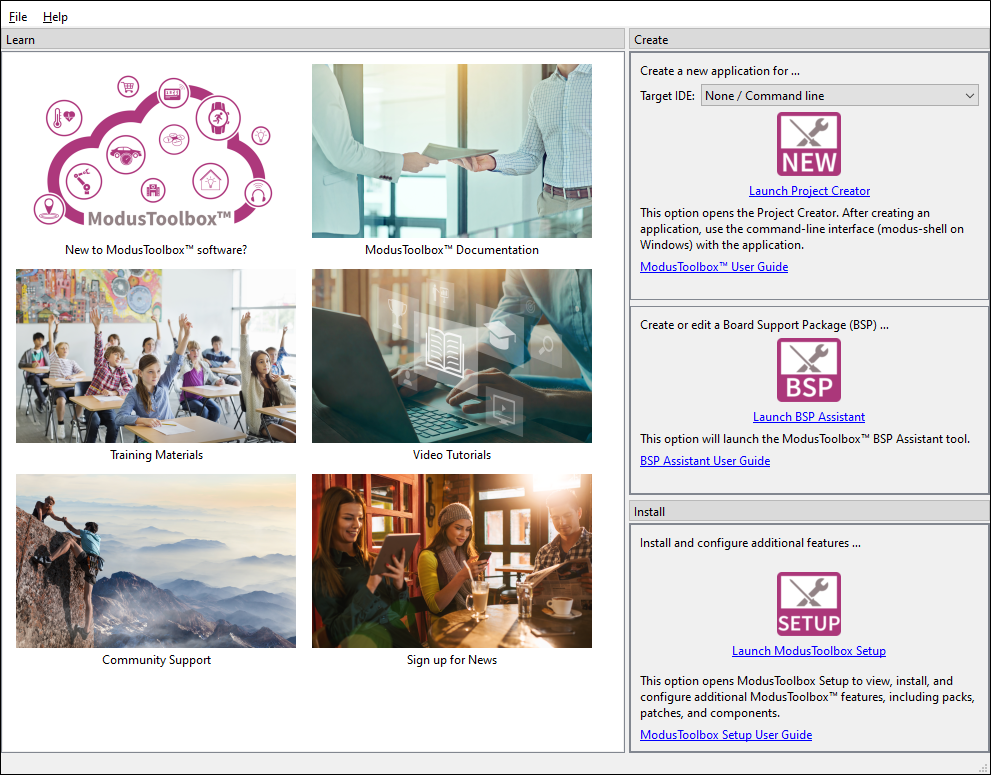
The Dashboard provides links to various sources of documentation and training materials. It also contains starting points: create a new application, create/edit a BSP, install or launch the ModusToolbox™ Setup program. For more details, refer to the
Dashboard user guide
.