Add/modify application code
After creating the application, open it in your desired IDE or command line. For more details about each option, refer to the following user guides:
Eclipse user guide
VS Code user guide
IAR user guide
µVision user guide
ModusToolbox ™ tools package user guide (for details on command line)
Code example applications work as they are, and there is no need to add or modify code in order to build or program them. However, if you want to update and change the application to do something else, open the appropriate file in your preferred code editor.
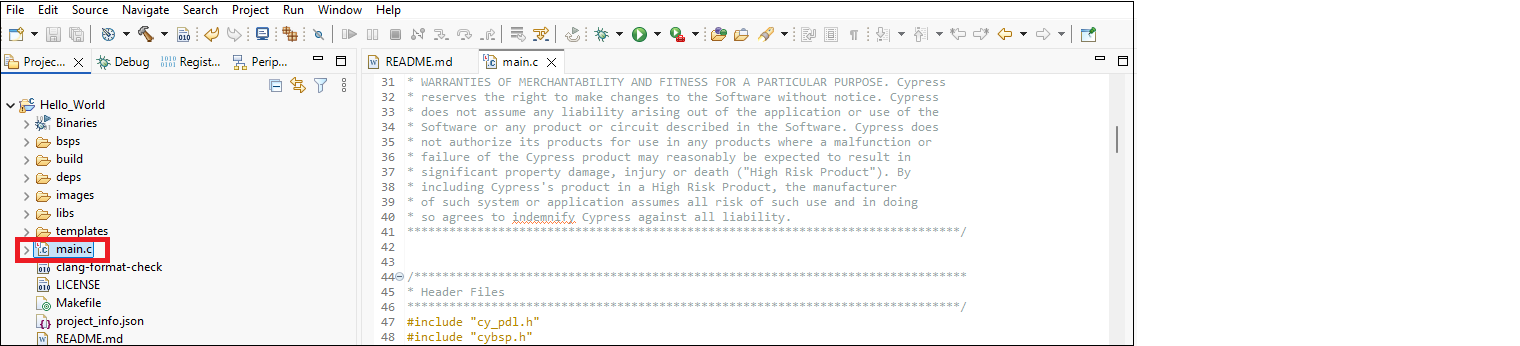
For Eclipse as an example, double-click the
main.c
file in Project Explorer to open it.
Note:
As you type into the file, an asterisk (*) will appear in the file’s tab to indicate changes were made. The
Save/Save As
commands will also become available to select.