Build the Application
Building the application is not specifically required, because building will be performed as part of the programming and debugging process. However, if you are running VS Code without any hardware attached you may wish to build your application to ensure all the code is correct.
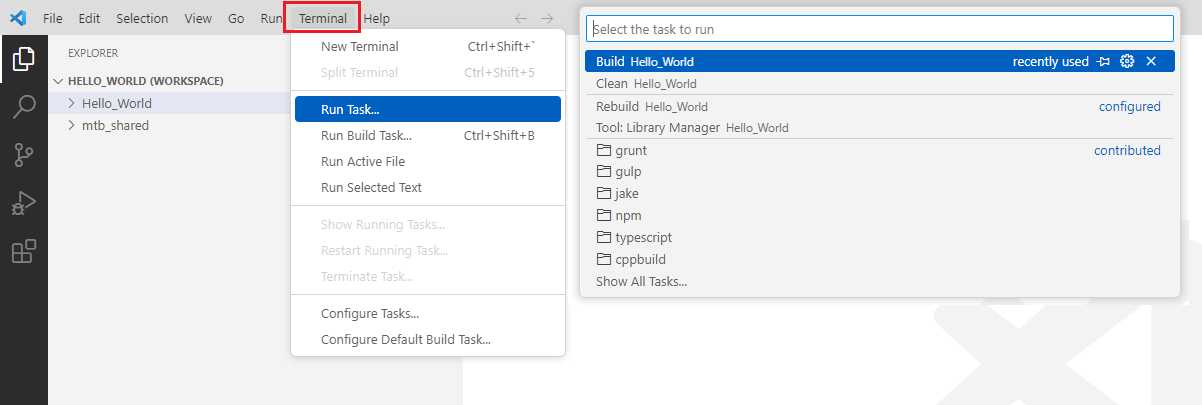
Select Terminal > Run Task. Then select Build Hello_World.
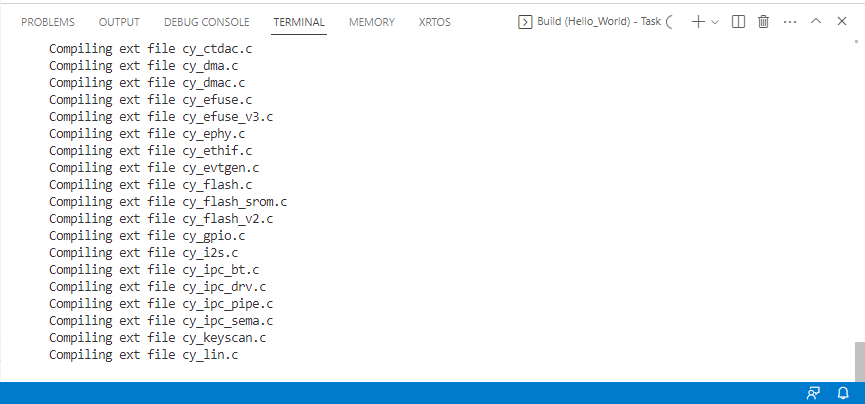
Build information will display in the Terminal.
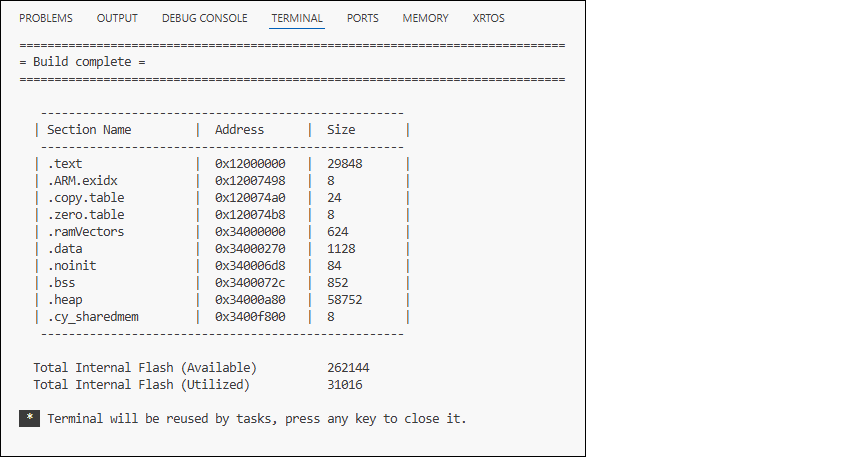
The build should complete successfully with messages similar to the following: