Create/edit BSPs
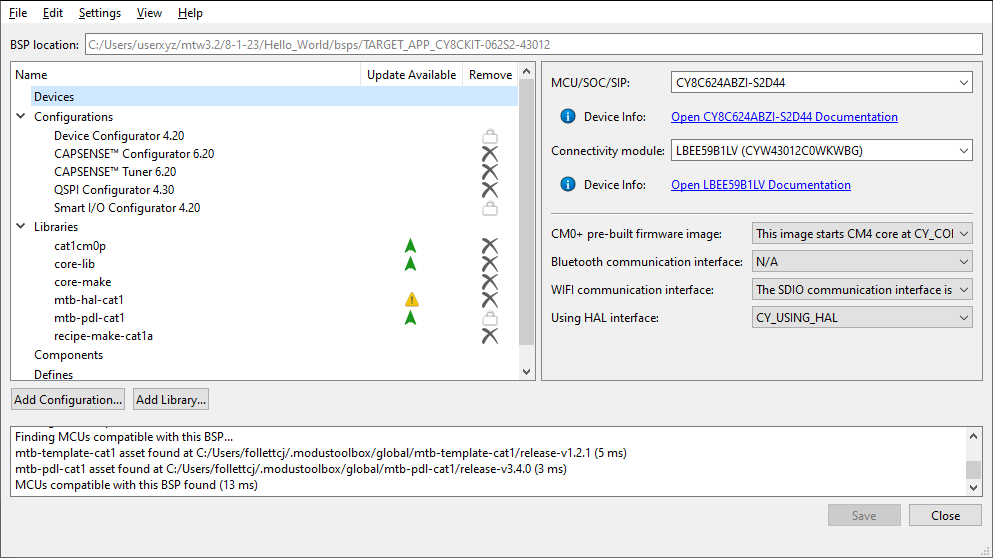
Use the BSP Assistant to change devices or add and remove configurations for the BSP in your application. The tool offers GUI and CLI versions. For more details, refer to the
BSP Assistant user guide
.
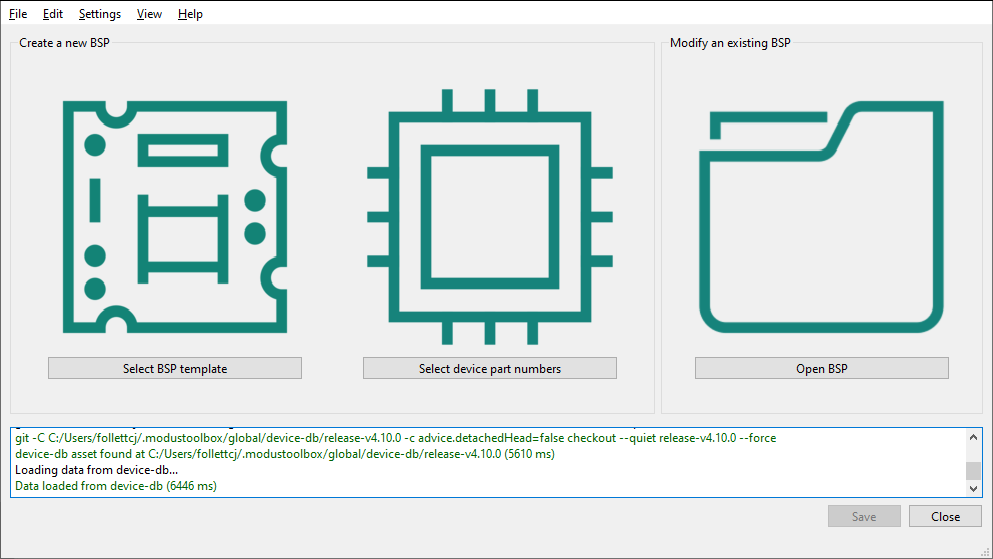
You can open the BSP Assistant GUI tool from Dashboard tool, or as applicable for your operating system. When opened this way, the BSP Assistant provides options to open an existing BSP, or create a new one.
If you have an existing application, open the tool from the application directory using the
make bsp-assistant
command. This opens the BSP Assistant for the selected BSP.