Update libraries
Use the Library Manager tool to add or remove BSPs and libraries for your application, as well as change versions for libraries. You can also change the active BSP for your application.
Open the Library Manager GUI tool from the application directory using the
make library-manager
command. The Library Manager opens for the selected application and its available BSPs and libraries.
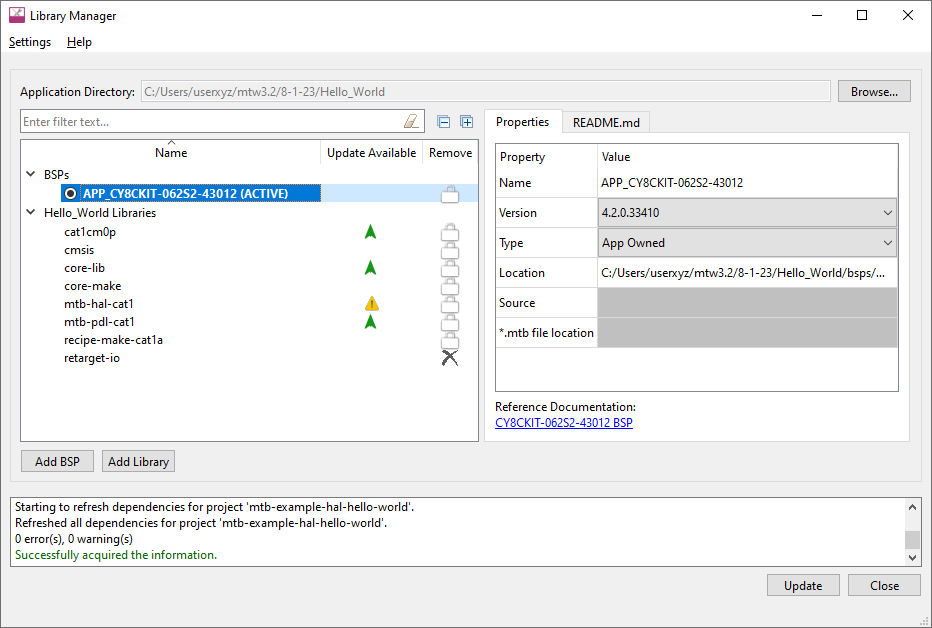
Note: There are several ways to open the Library Manager; refer to the Library Manager user guide for more details.
Library Manager user guide
for more details.